Replacement Screens and Screen Plates
Match replacement screens to the machine opening, mounting method and required output. Discuss hole size, plate thickness, curvature and overall dimensions together instead of selecting by hole size alone.
On This Page
Identify the Screen
Send the machine model and a clear view of the screen in its installed shape. State whether the required item is a perforated plate, formed screen or another listed screen type.
Screens can be named differently in manuals, parts lists and on site. Describing the installed shape and position is more reliable than a general name when you request a replacement.
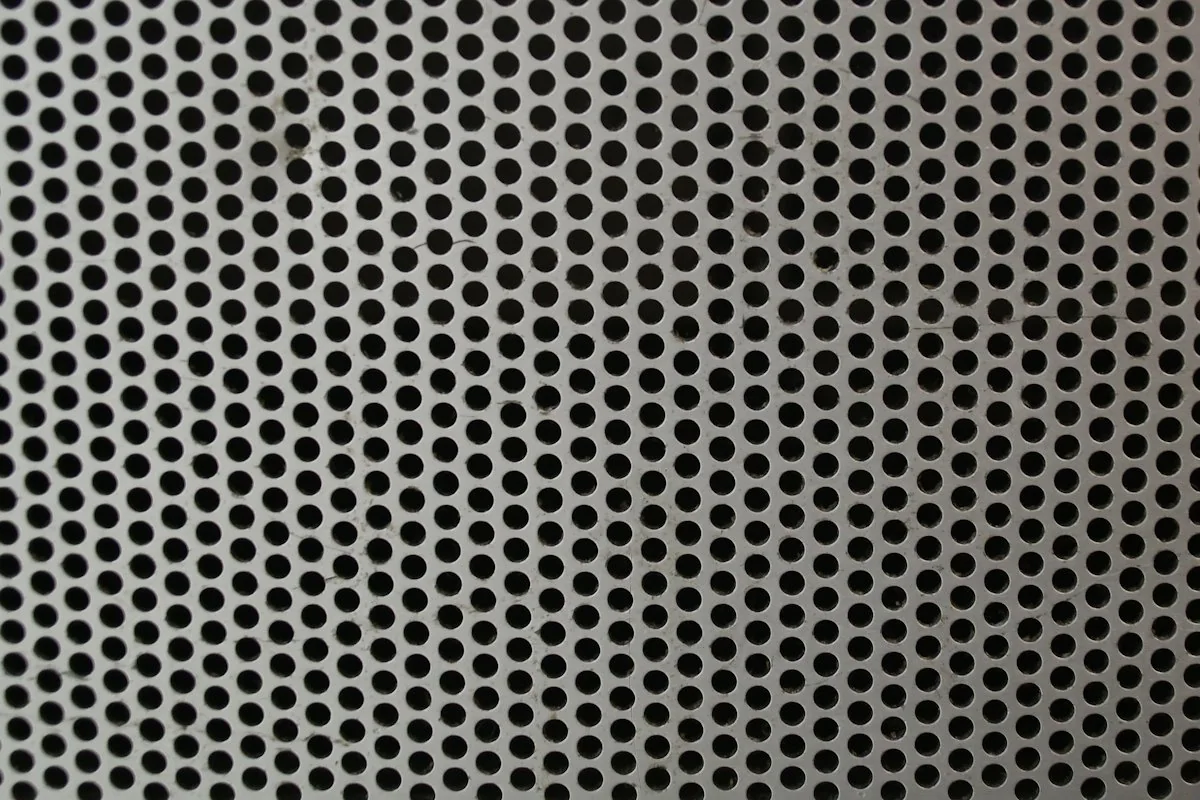
Temporary photo Installed Shape
Note whether the screen sits flat or follows a curve in its holder, and photograph it from the side to show the profile.
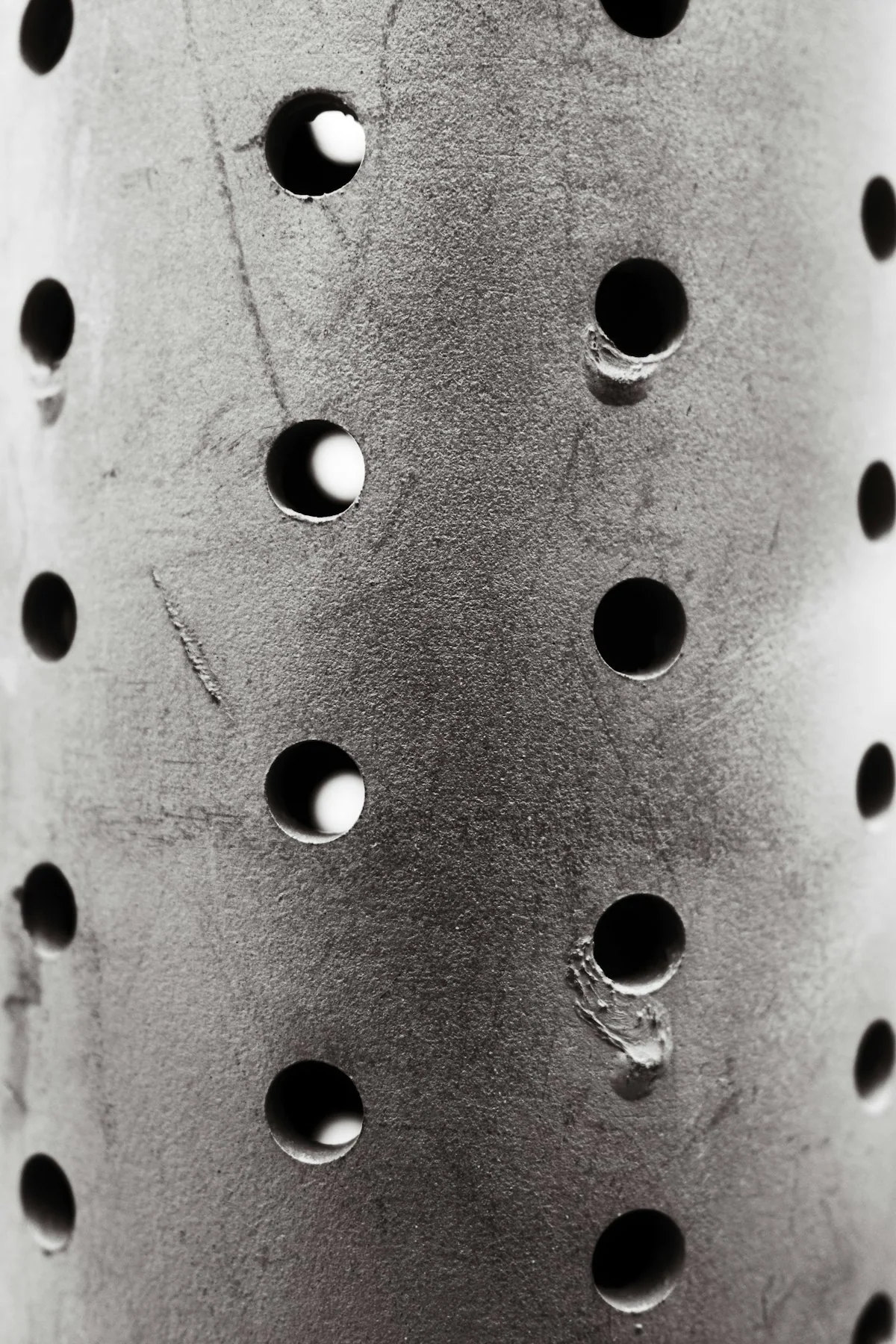
Temporary photo Name From Your Documents
Use the name on your parts list or drawing, so a perforated plate is not confused with a woven mesh product.
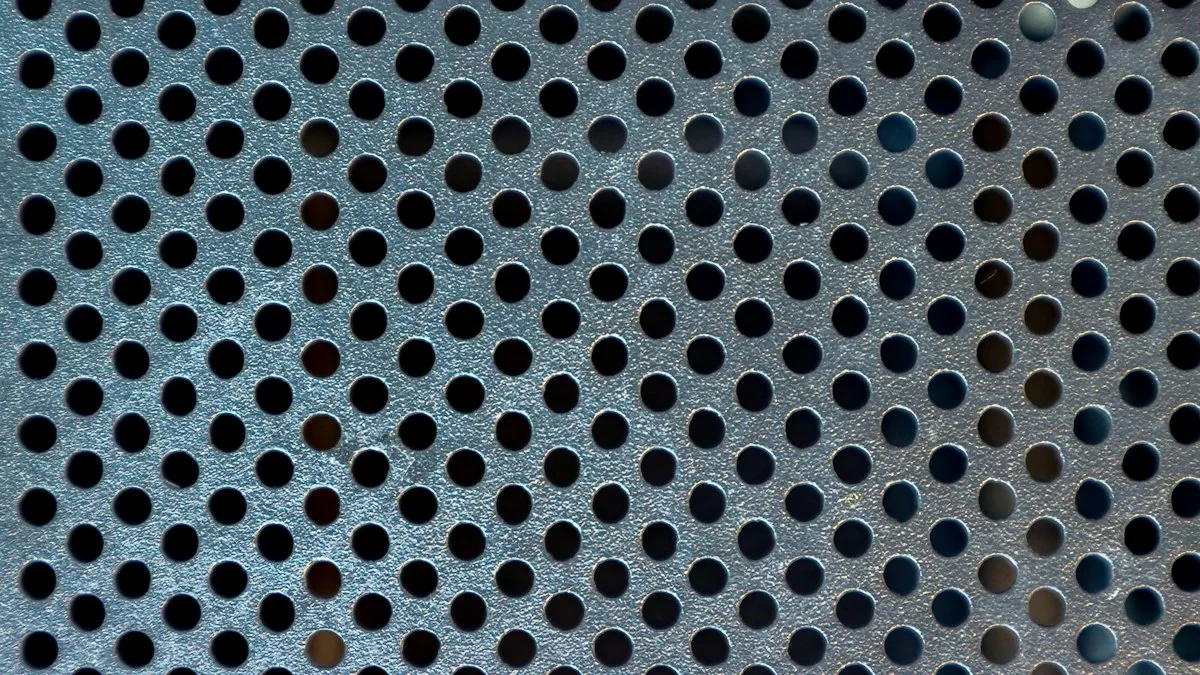
Temporary photo Screen Position
If your machine holds more than one screen or screen segment, state which position the replacement belongs to.
Temporary photo Previous Order Reference
Add any reference from a previous screen order, or any marking found on the plate edge.
Confirm the Openings
Provide the opening size, shape and pattern shown on your existing specification or sample. Include the material being processed and the output requirement when requesting a change.
Opening size and output size are related but not the same, because material behaviour and process conditions also affect what passes through. Describe the output you need alongside the openings you currently use.
Opening Shape
State whether the openings are round, slotted or another shape, and photograph them square-on with a ruler in view.
Pattern and Spacing
Describe how the openings are arranged and spaced, as the pattern is part of the specification, not just the opening size.
Measure Unworn Openings
Openings can enlarge with wear, so measure where the plate is least worn or use the original specification.

Check the Fit
Confirm the thickness, overall dimensions, curvature and fixing details against an approved drawing. Similar hole size does not establish that a screen will fit your machine.
- Plate thickness measured away from worn areas
- Overall length and width of the screen
- Curvature or arc, shown in a side photo
- Fixing holes, clamping edges or locating tabs
- Front and side photos with a ruler in view
- Machine model and screen position
If no drawing is available yet, start with clear front and side photos plus your measurements.
Browse Listed Screens
Review available screen records by confirmed machine connection and physical specification. Several opening options for the same screen shape can be presented in one clear table.
Opening
Compare the listed opening size, shape and pattern with your existing screen and required output, remembering that opening size alone does not set output size.
Thickness
Check the plate thickness against your drawing or measurement, since a different thickness can change fit and how the screen is supported.
Overall Shape
Confirm that the listed shape and curvature match how the screen is installed, as a flat screen and a formed screen are not interchangeable.
Verified Machine
Use the verified machine connection as the starting point; if your machine is not listed, send its reference for a specific fit review.
Request a Part Quote
Not sure a listed screen fits your machine? Send the machine reference, opening details and screen photos.
Discuss a Change
When requesting a different opening or material, explain the reason for the change and the required process result. The effect on the machine and output needs review before a replacement specification is agreed.

Temporary photo 01Record the Current Result
Describe what your existing screen produces and what you want to change, adding a photo of the current output if available.

Temporary photo 02Explain the Reason
State whether the change relates to output size, material behaviour or wear, so the request is reviewed for the right purpose.
Temporary photo 03Review Throughput Effects
Ask how the proposed change may affect throughput and machine load before you decide, as a finer opening is not automatically better.
Temporary photo 04Keep Both References
Record the original and revised screen references separately so future orders specify the intended version.
Opening and Output
A different screen opening is a process change as well as a replacement request. Discuss the required result and the selected machine together.
Fit and Support
Overall size, curvature and mounting details must match the assembly. Hole size alone is not enough to order a screen.
Drawing Approval
For a custom screen, keep the approved pattern, thickness, material and fitting dimensions in one drawing or specification.
Custom Screen Requirements
Discuss a non-standard screen using its opening pattern, overall dimensions, curvature and fitting details. Keep the machine reference and required result with the drawing so the part is assessed as a working component, not just a perforated plate.
Temporary photo Opening Pattern
Define opening shape, size and arrangement on the drawing, and link them to the output you need rather than to a size alone.
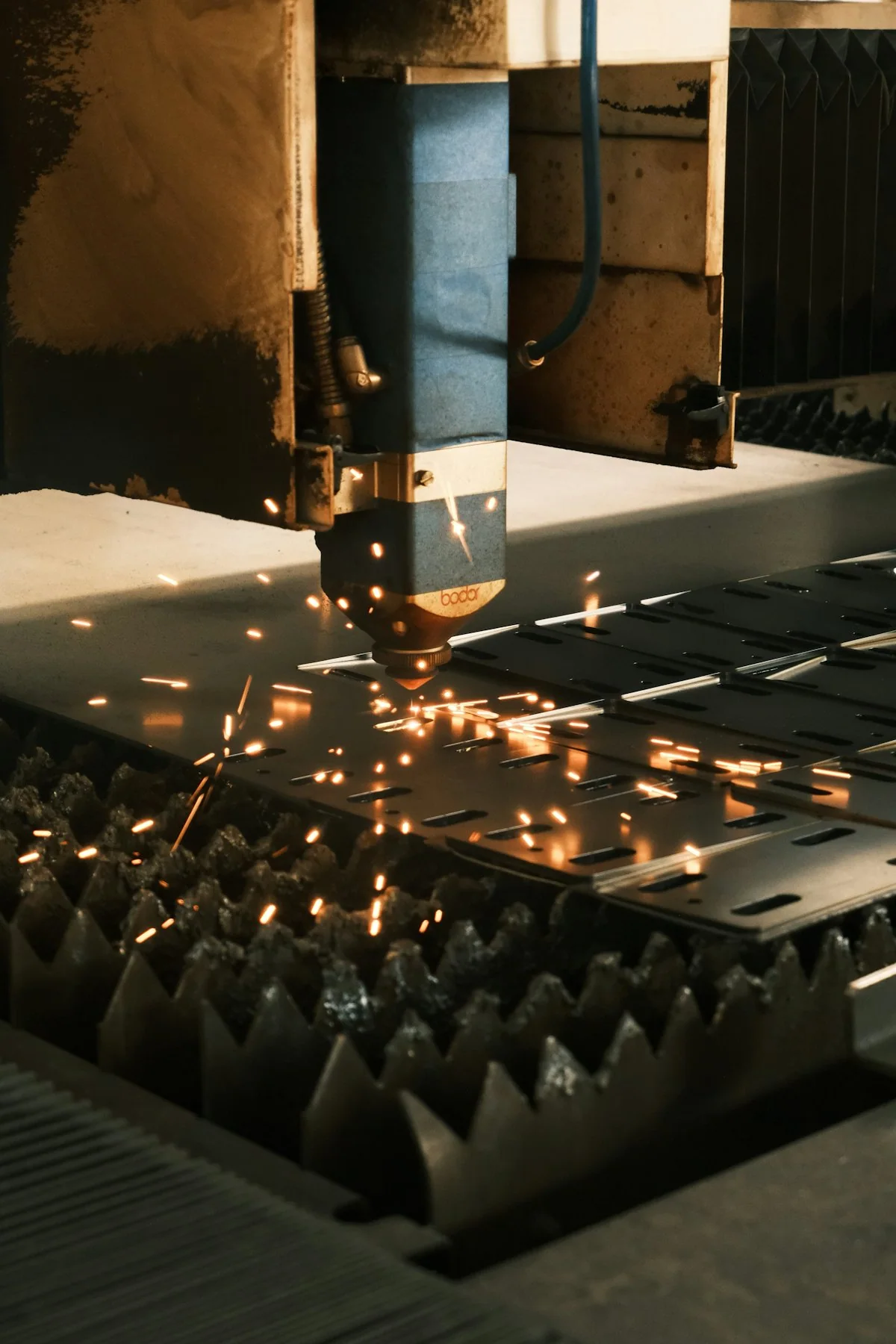
Temporary photo Curvature
Specify the curve as a radius or arc length on the drawing, or send side photos and measurements from the installed screen.
Temporary photo Mounting
Show fixing holes, clamping edges and support points so the custom screen can be reviewed within its assembly.
See the Screen Details
Review actual photographs of the formed profile, openings and fixing points. Use the part reference and approved specification to keep the replacement discussion clear.
Photos of a formed screen show details that a flat drawing can miss, such as how the curve sits against its supports. Compare them with your installed screen and confirm the reference before approving the replacement.
Profile as Formed
Check the side view of the formed screen to confirm the curve and edge shape match your installation.
Fixing Points
Look at holes, edges and supports in the photos and compare them with your drawing or measurements.
Confirmed Machine Links
Treat a screen record as linked to the machines named on it, and ask before assuming another model shares it.

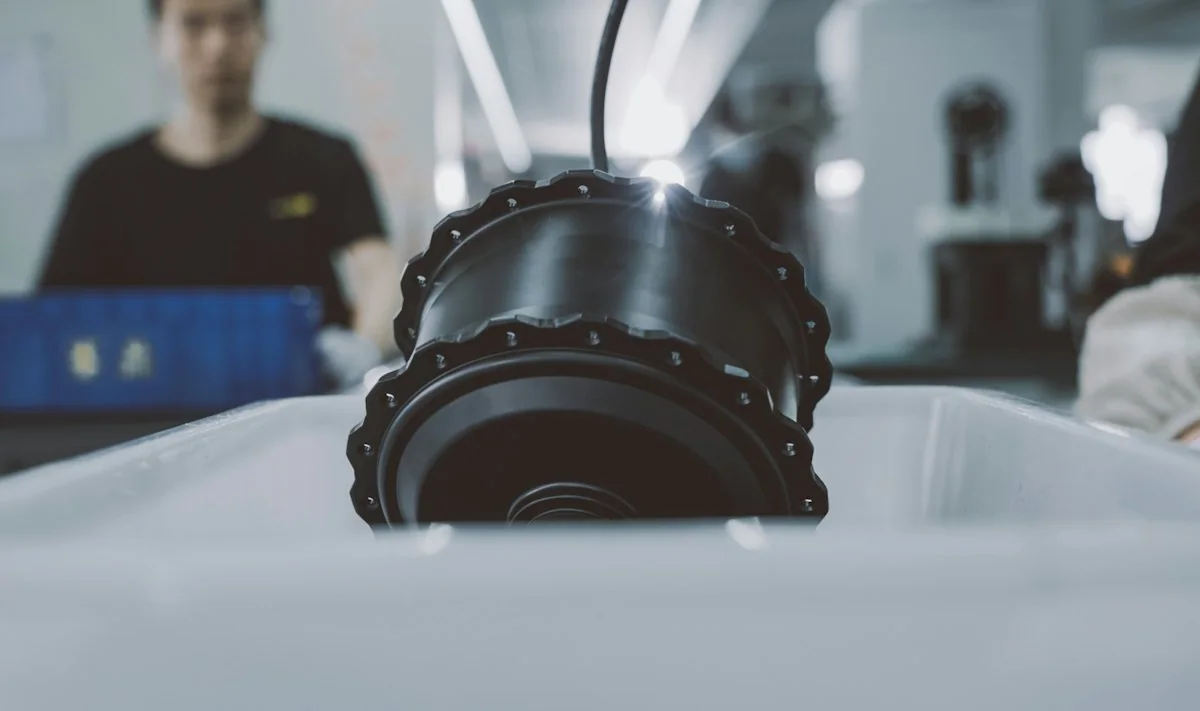
From the Factory
Connect your equipment or part request with the factory team handling the specification. Use relevant manufacturing, assembly or inspection images to review the proposed build and clarify the records required for your order.
For screens, ask whether the plate is produced in the factory or sourced, so the records you receive reflect how it is supplied.
Specification Review
Ask who will review your screen drawing and how questions on openings, curvature or fixing details will be raised. Clear contact keeps the agreed specification consistent.
Inspection Records
Request the inspection information available for your order. Confirm which dimensions or opening checks it covers before relying on it.
Packing and Labels
Agree how each screen will be labelled with its approved reference. Matching labels make storage and future orders easier to manage.
Request a Part Quote
Have an old screen or drawing ready? Send it with the machine reference and the quantity you need.
FAQ
Does the screen hole size equal every output particle size?
No exact particle-size guarantee should be inferred from a hole size alone. Confirm the required output and the relevant process conditions.
Is hole diameter enough to order a screen?
No. Include thickness, shape, overall dimensions and mounting details as well as the machine reference.
Can I request a smaller opening?
Describe the desired change and your process requirement. The proposed opening should be reviewed for the actual material and machine.
Do all shredders use these screens?
No universal compatibility is implied. Screens are linked only to equipment for which their fit has been confirmed.
Can I request a custom specification?
Yes. Describe the configuration or specification you need, together with the material or machine reference. Feasible options, drawings where required, and the final supply scope are confirmed before production.
Request Your Screen Specification
Send the machine reference, opening pattern, plate thickness and overall dimensions. Include the curvature or drawing and required quantity.
Include the details you already know. You do not need every specification to start.
What to Include
Use the details you already know. A model number is not required to begin.
6. REPLACEMENT PARTS
Machine model or nameplate; part number or installation position; drawings or dimensions; mounting details; required quantity.
Do not rely on appearance alone to establish compatibility.
7. WHAT TO AGREE IN THE PROPOSAL
Selected equipment; standard items; options; items supplied by others; relevant test/acceptance basis; documents; support and delivery responsibilities.
Please do not send unnecessary personal documents, passwords or unrelated confidential files.