Other Equipment Spare Parts
Find the component you need without guessing its name. Send the machine reference, part position and visible markings to discuss identification, replacement supply or a non-standard part request.
On This Page
Start With the Machine
Provide the machine model and, where available, its serial reference. A nameplate photo and a wider image of the assembly help identify where the required part belongs.
- Nameplate photo taken square-on and in focus
- Wider photo showing where the part sits in the assembly
- Name or description used in your own records
- Manual or parts list page showing the component, if available
- Approximate installation or purchase period of the machine
- Site contact who can take extra photos if needed
Share only the nameplate and machine details needed to identify the part, and mask anything unrelated.
Show the Required Component
Photograph the complete part and any visible markings, connectors or mounting details. Include the old part reference and quantity when available.
If you are unsure of the component's name, describe what it does and what it connects to. Function and position are often more useful for identification than a guessed name.
Temporary photo Part in Its Position
With the machine isolated, photograph the component in place so its orientation and the surrounding parts are visible.
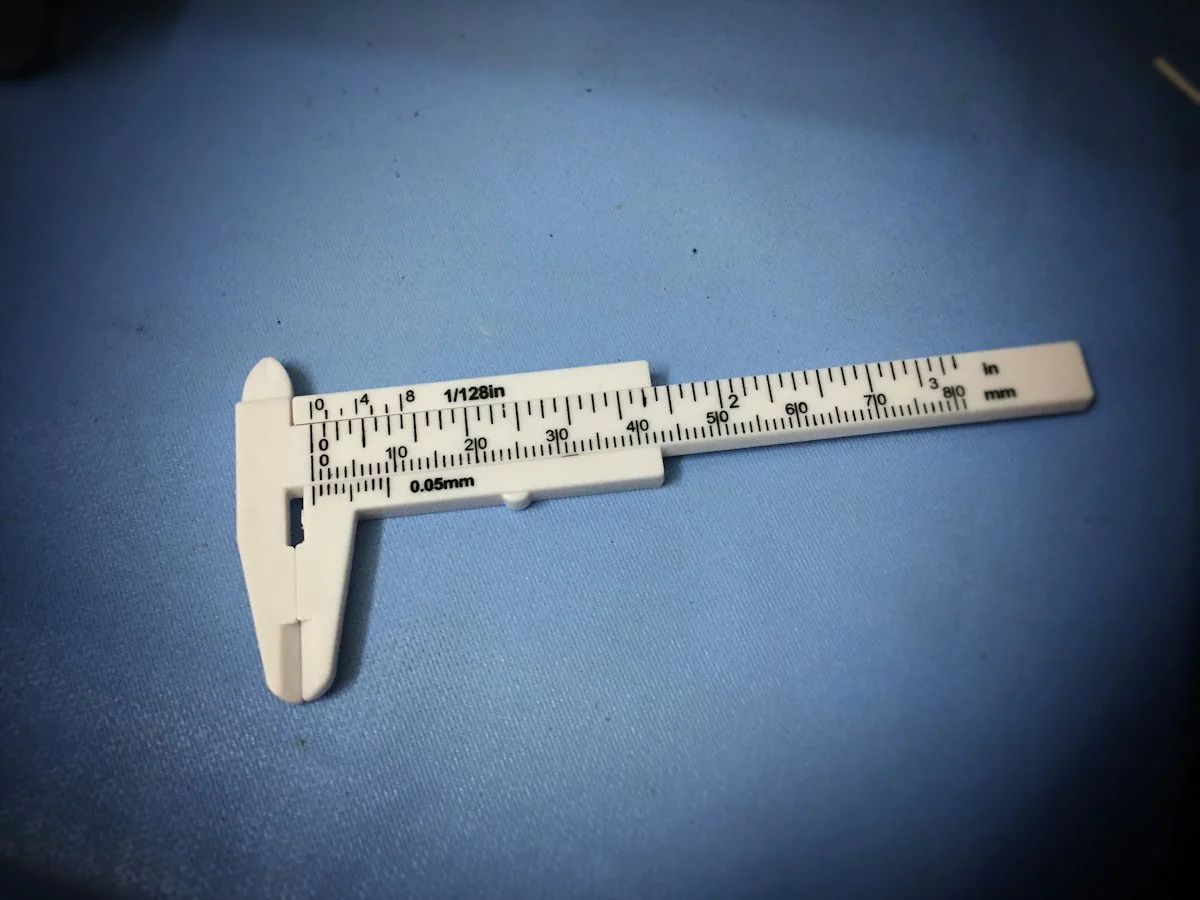
Temporary photo Scale in the Photo
Place a ruler or measuring tape beside the part so its size can be read from the image.
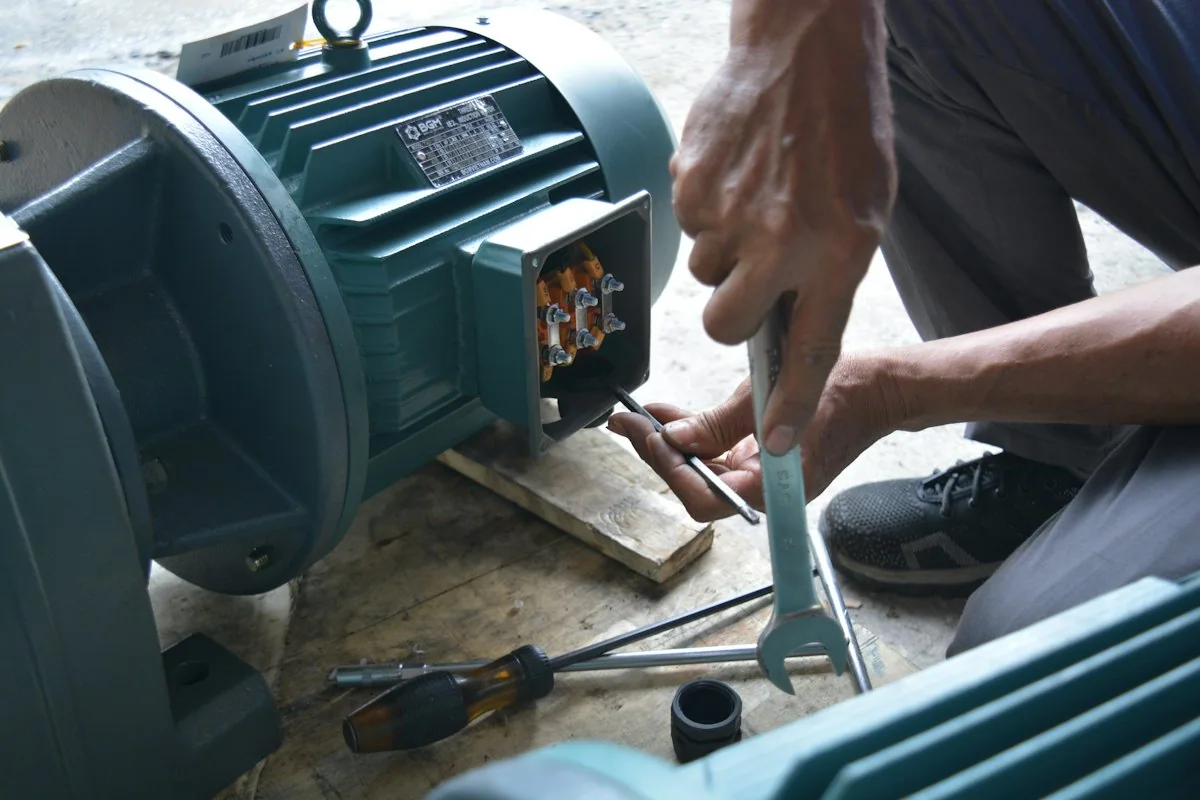
Temporary photo Worn or Damaged Areas
Show any wear, breakage or damage closely, as this can help explain what the replacement must withstand.
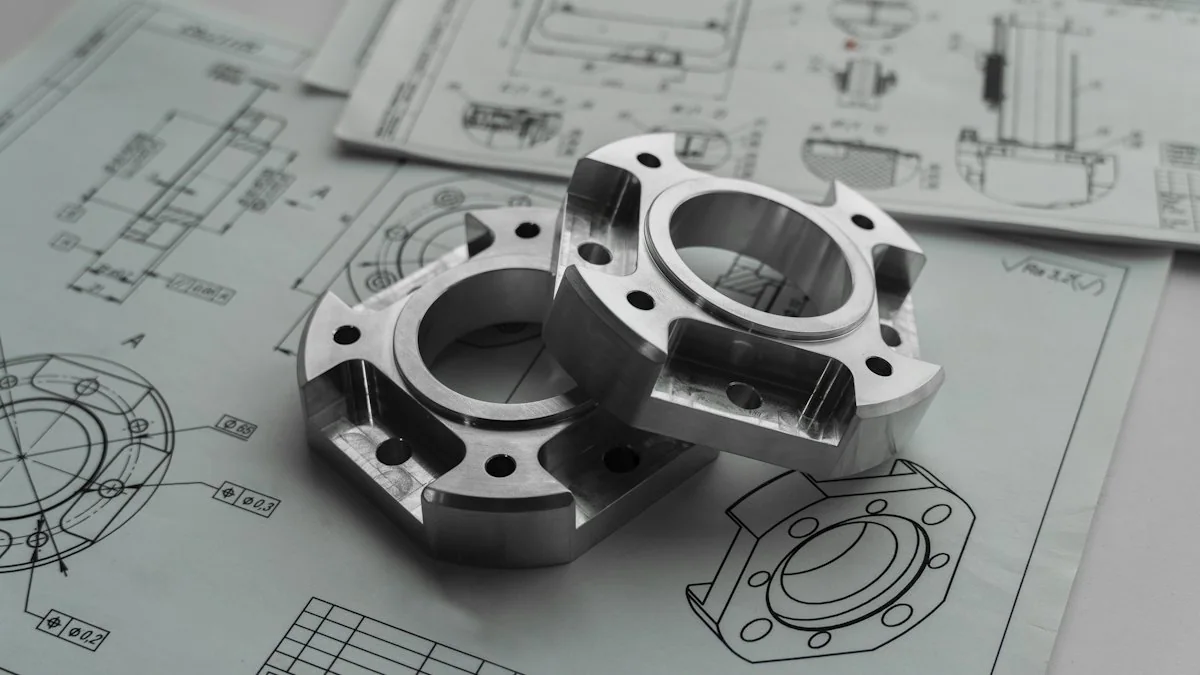
Temporary photo Mating Parts
Photograph the parts it connects to or locates against, as these often decide whether a replacement will fit.
Browse Listed Components
Review the components currently documented for supply. Open a part record to see its reference, specification and confirmed equipment connection.
Reference
Compare the listed reference with markings on your old part or entries in your parts list, as a matching reference is the clearest starting point.
Position
Check that the listed position matches where the part is installed on your machine, since similar parts can serve different positions.
Key Specification
Review the specification shown for that component type and compare it with your part, as the relevant details differ between components.
Verified Machine
See whether your machine appears among the confirmed connections; if not, send the model and part photos so that part can be reviewed.
Request a Part Quote
Cannot see the component you need? Send the nameplate, part position and photos for identification.
Confirm the Supply Details
Agree the part specification, quantity and any matched items before the order is confirmed. Electrical or control components require the relevant ratings and interfaces to be checked where applicable.
The specification that matters depends on the component, so the details you confirm for a mechanical part will differ from those for an electrical or control item.
Original Label Photo
For electrical or control items, photograph the original label and connection arrangement so ratings and interfaces can be compared.
Alternative Items Reviewed
If an alternative to the original item is proposed, ask what differs and approve those differences before ordering.
Associated Items
List any related items you expect to replace at the same time, so the order scope is complete and clear.
Quantity and Spares
State the quantity for immediate replacement and any spares you plan to keep, as separate lines.
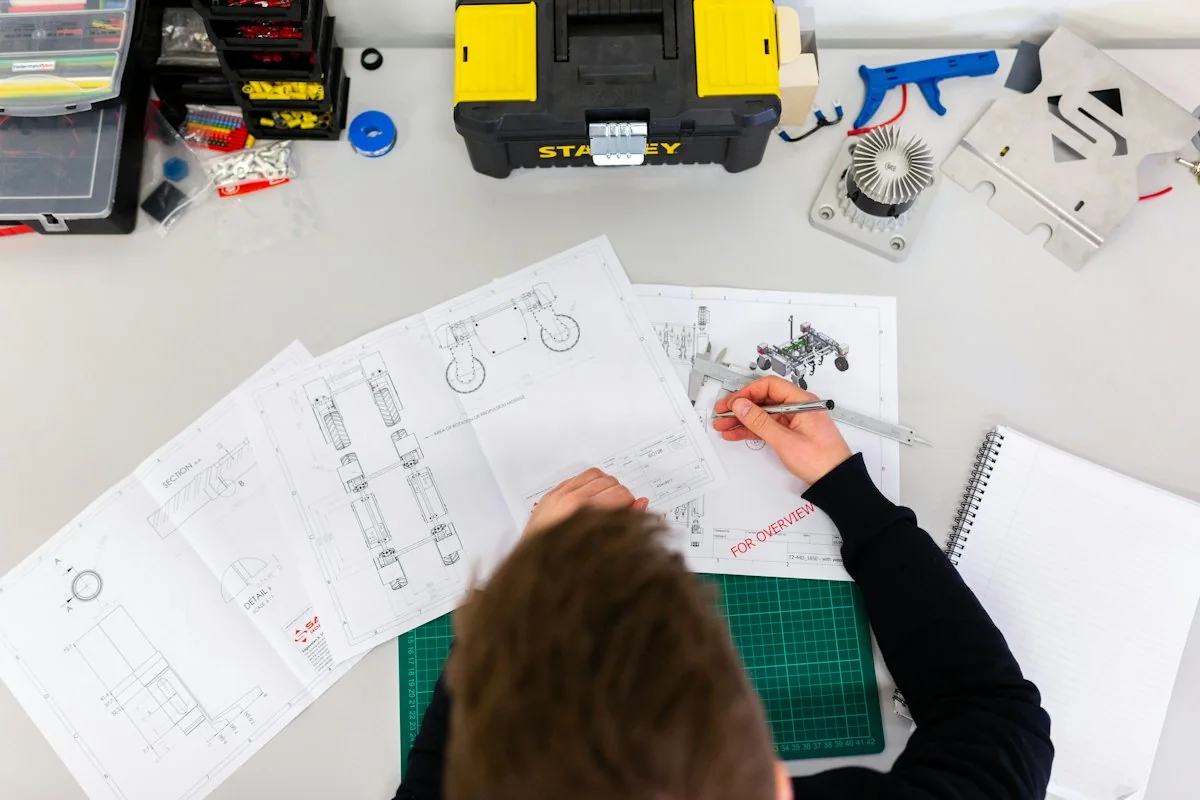
Discuss a Non-Standard Part
Provide the component position, dimensions and any drawing or marking for a non-standard request. Manufacturing feasibility or a suitable sourced replacement can then be reviewed against the actual function and installation.
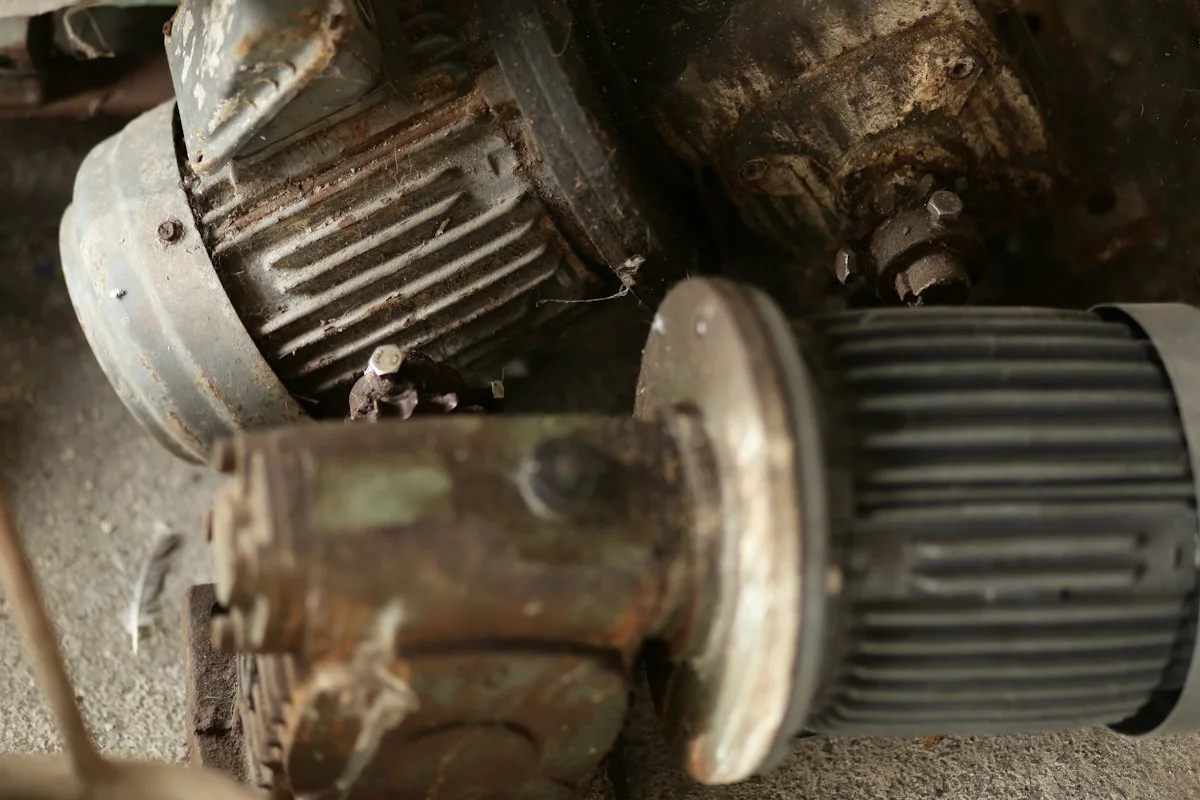
Temporary photo Part Position
Describe where the component sits, what it connects to and how it is fixed, with photos of the surrounding assembly.
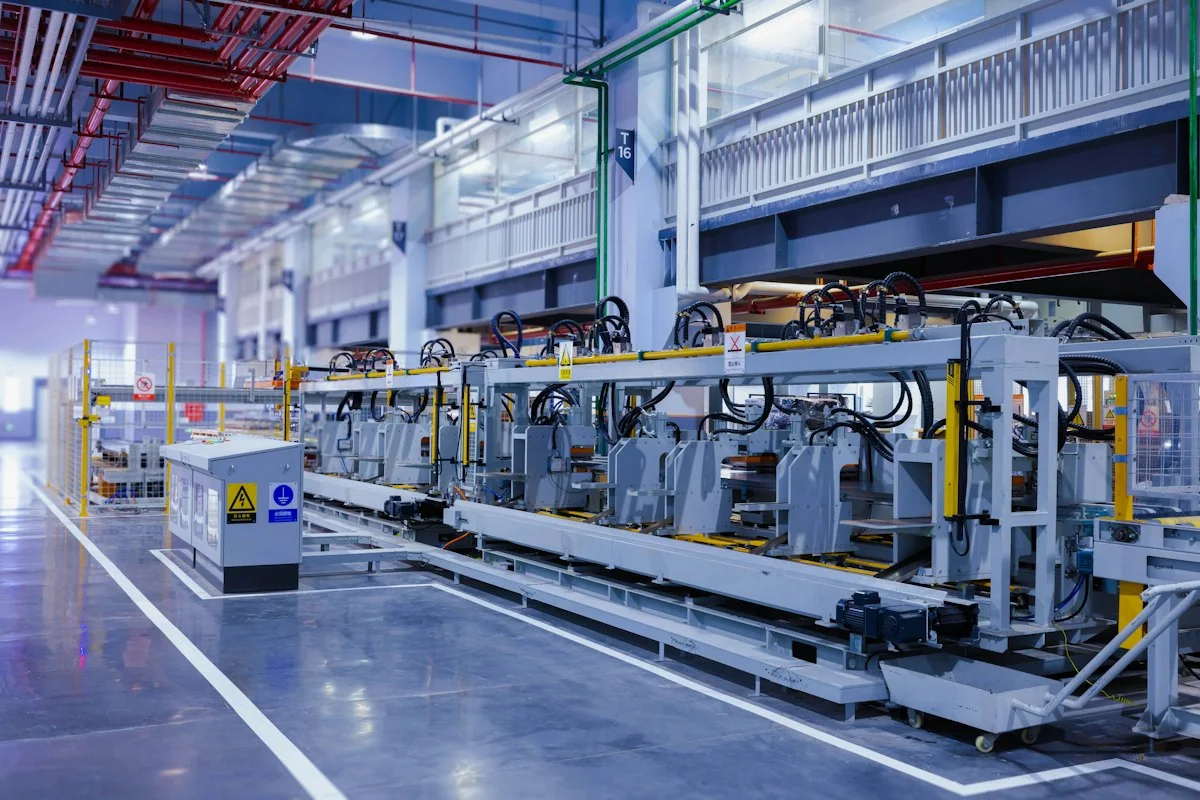
Temporary photo Drawing
Provide any drawing, sketch or marked-up photo with key dimensions, so the part can be reviewed without relying on appearance.
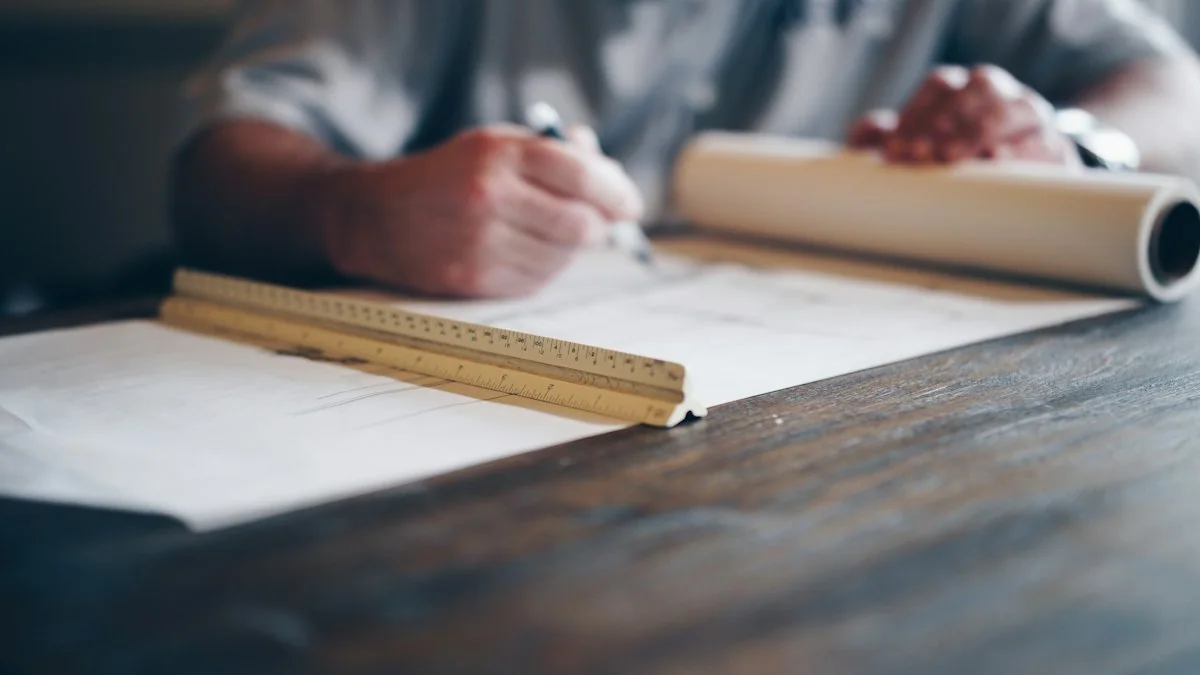
Temporary photo Supply Review
Ask whether the part would be made to drawing or sourced as a suitable replacement, and review that proposal against its function.
Keep the Replacement Record
Keep the confirmed part reference with your machine documents. Include that reference in future enquiries to reduce ambiguity about the required item.
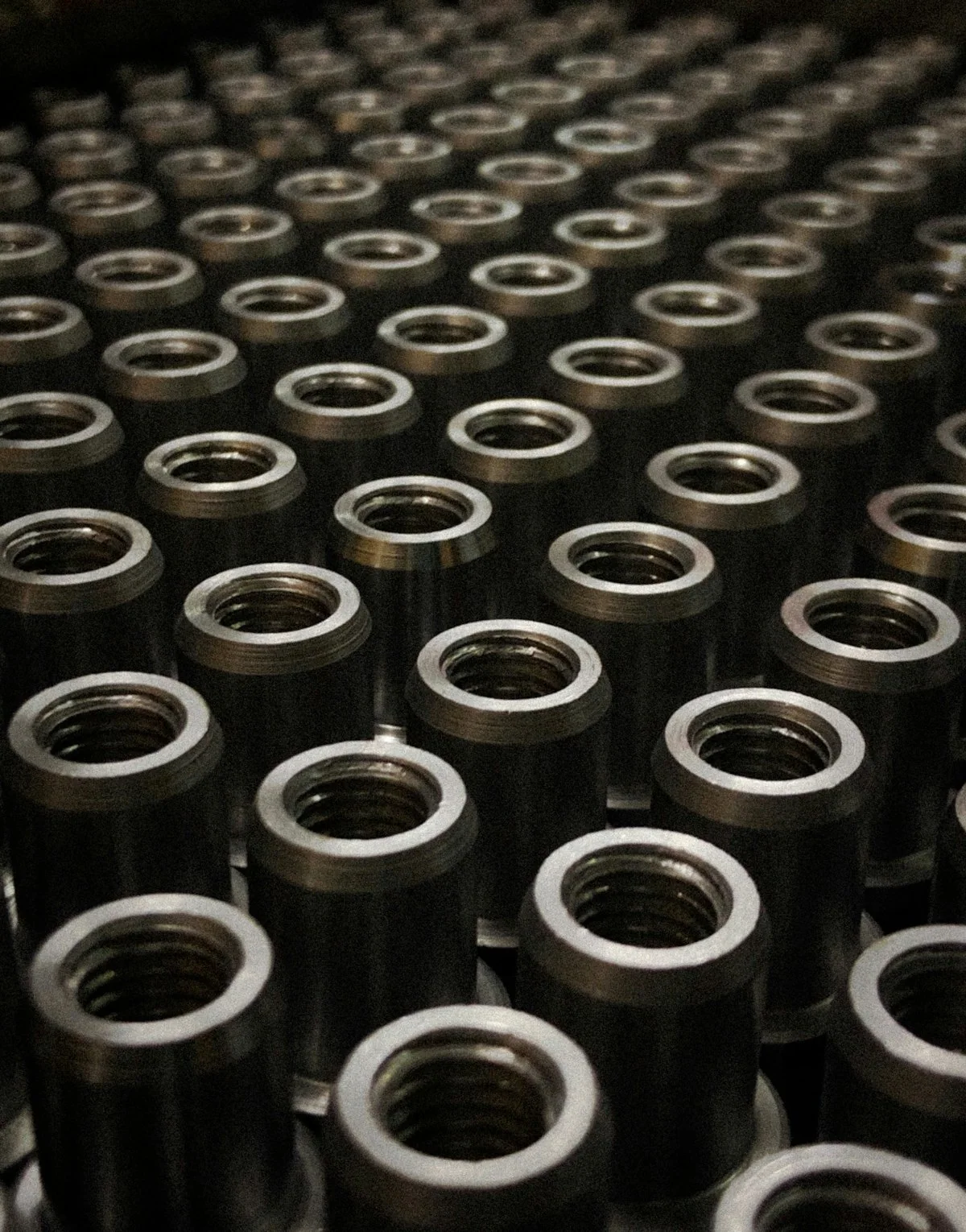
Temporary photo 01Note the Confirmed Reference
Once identification is complete, write down the confirmed reference with the machine model and part position.
Temporary photo 02Label the Spare Part
Mark any spare you keep with the same reference, so it can be matched to the machine later.
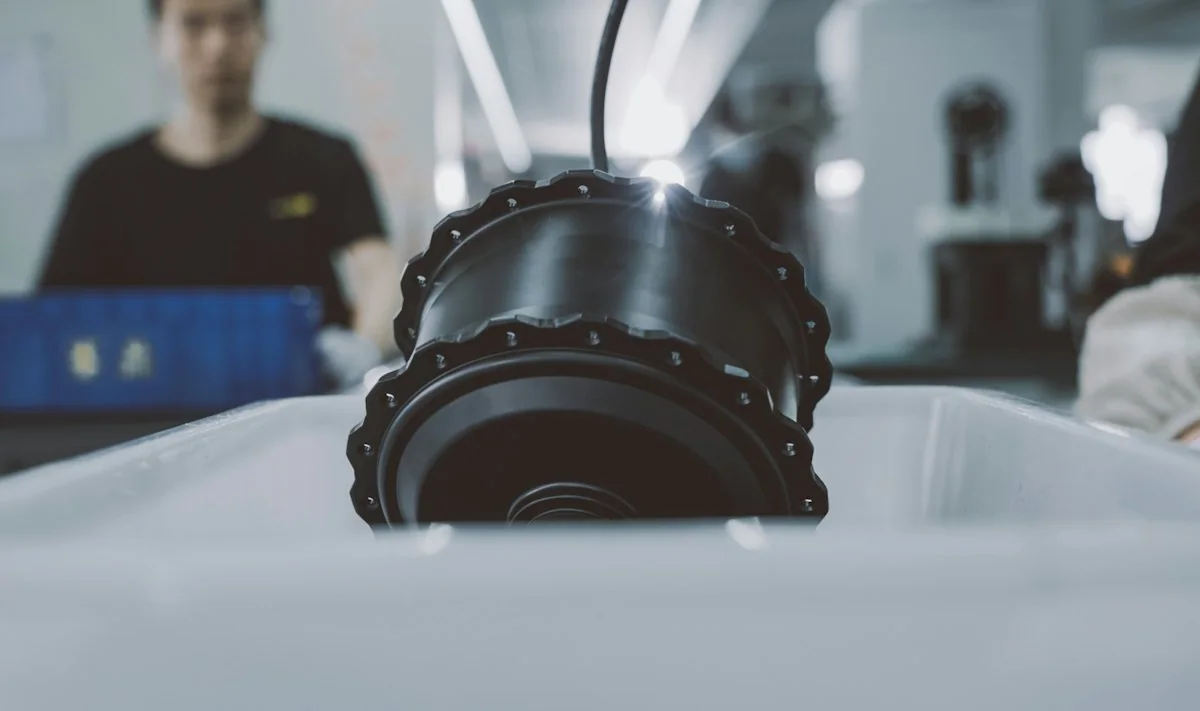
Temporary photo 03File With Machine Documents
Store the record with that machine's manuals or service file, together with the photos used for identification.
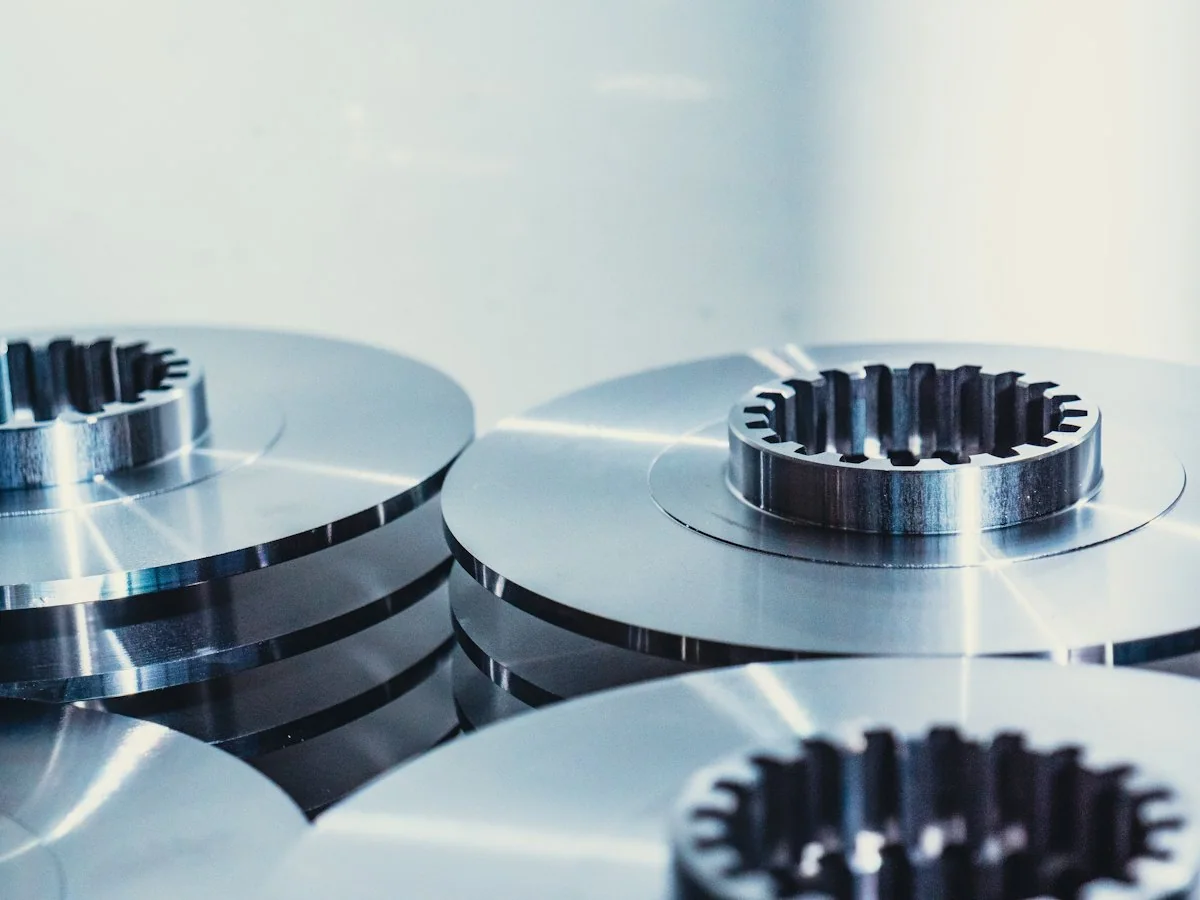
Temporary photo 04Update After Changes
If the machine is modified or a different part is approved later, update the record so it reflects the current build.
From the Factory
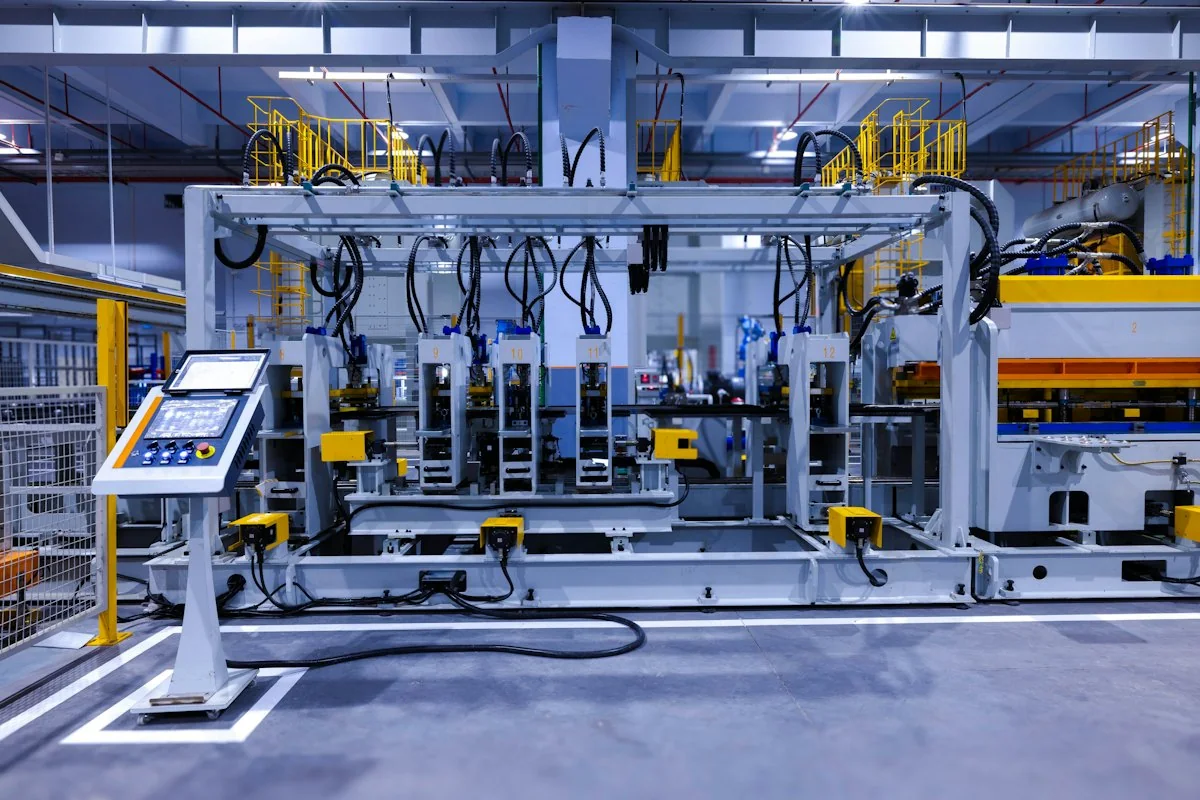
Connect your equipment or part request with the factory team handling the specification. Use relevant manufacturing, assembly or inspection images to review the proposed build and clarify the records required for your order.
For other components, ask whether the part is produced in the factory or sourced from another supplier. Knowing the source helps you understand which inspection or specification records can accompany the order.
Records Matched to Order
Agree which records you need, such as a checked dimension or specification confirmation, before the order is confirmed.
Labels and Packing
Ask for each component to be labelled with its confirmed reference so it can be matched to your machine on arrival.
Request a Part Quote
Not sure what the part is called? Send the nameplate, position and photos to begin identification.
FAQ
What if I do not know the part name?
Send the machine reference, photographs and the installation position. Add any visible markings so identification can begin.
Can you supply every component on my machine?
Supply is confirmed for the specific requested part. The page is not a promise that every component or brand is available.
What matters for an electrical replacement?
Provide the original reference, ratings and connection details. The replacement specification requires review for the actual equipment.
Can I confirm a part from a video?
A video may help show the assembly, but clear still photographs, references and dimensions may still be needed for final identification.
Can I request a custom specification?
Yes. Describe the configuration or specification you need, together with the material or machine reference. Feasible options, drawings where required, and the final supply scope are confirmed before production.
Identify the Part You Need
Send the machine nameplate, part position and visible reference. Include clear photographs and the quantity required.
Include the details you already know. You do not need every specification to start.
What to Include
Use the details you already know. A model number is not required to begin.
6. REPLACEMENT PARTS
Machine model or nameplate; part number or installation position; drawings or dimensions; mounting details; required quantity.
Do not rely on appearance alone to establish compatibility.
7. WHAT TO AGREE IN THE PROPOSAL
Selected equipment; standard items; options; items supplied by others; relevant test/acceptance basis; documents; support and delivery responsibilities.
Please do not send unnecessary personal documents, passwords or unrelated confidential files.