Equipment Spare Parts
Find replacement blades, screens and other machine parts through the factory supply channel. Start with a model, part number, drawing or clear photographs, and discuss a standard replacement or a custom specification.
On This Page
Find Your Part Type
Browse blades, screens and other listed replacement parts. Each group explains the information needed to check the fit and supply specification.
If you are unsure which group your part belongs to, start with the machine reference and a photo of the part in place. The part type can be clarified during identification.
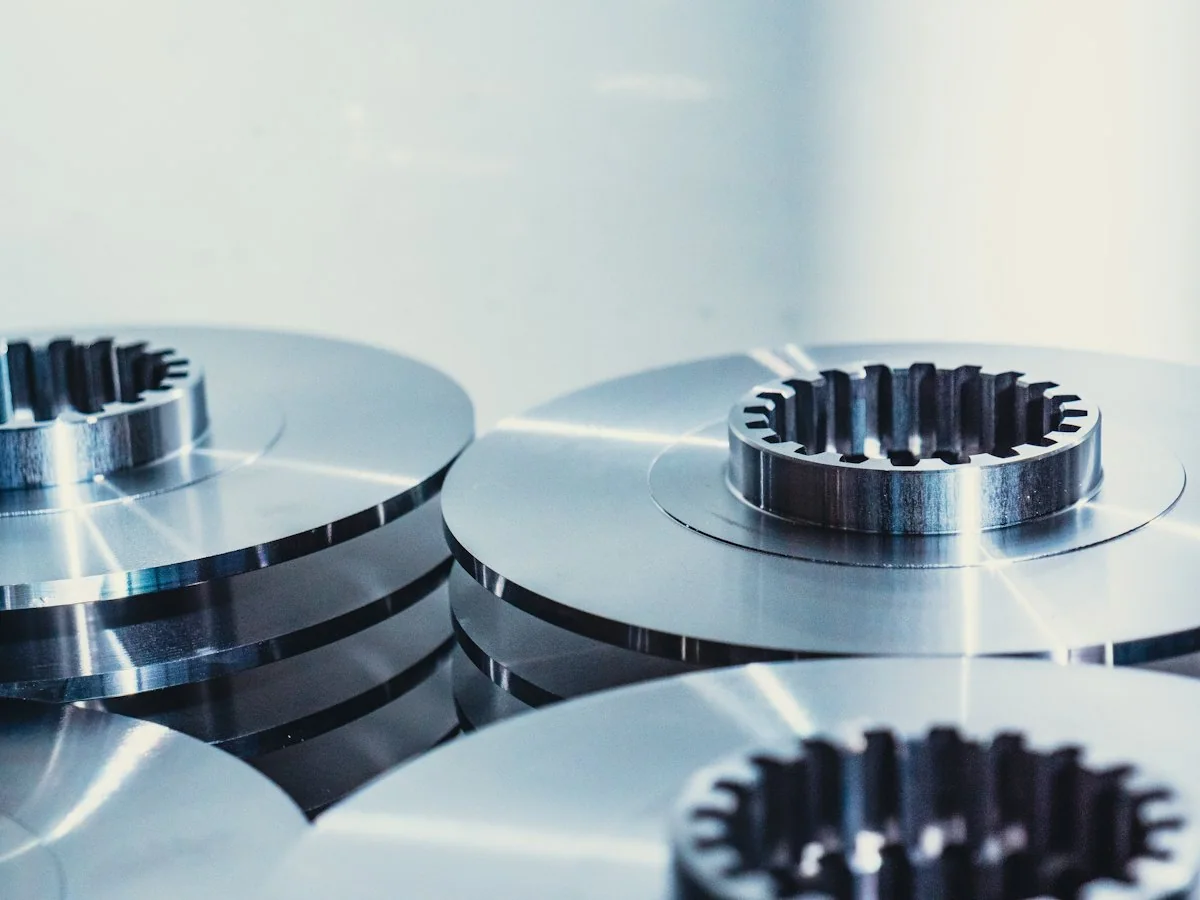
Blades
Blades and cutters are matched by position, profile, dimensions and mounting details. Open the blades page for the information needed to identify a replacement or set.

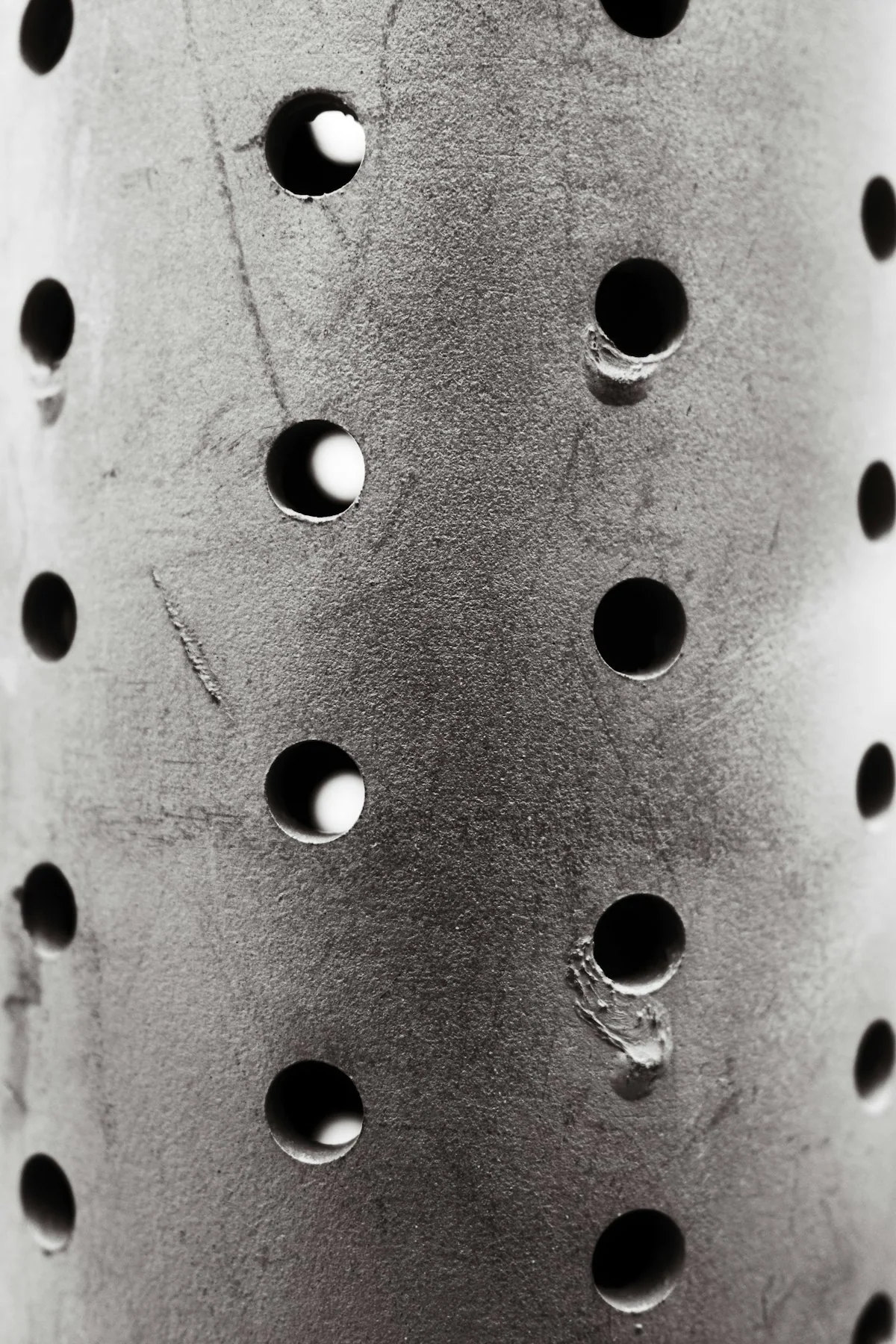
Screens
Screens are matched by opening pattern, thickness, overall shape and fixing details, not hole size alone. The screens page explains what to measure before you enquire.
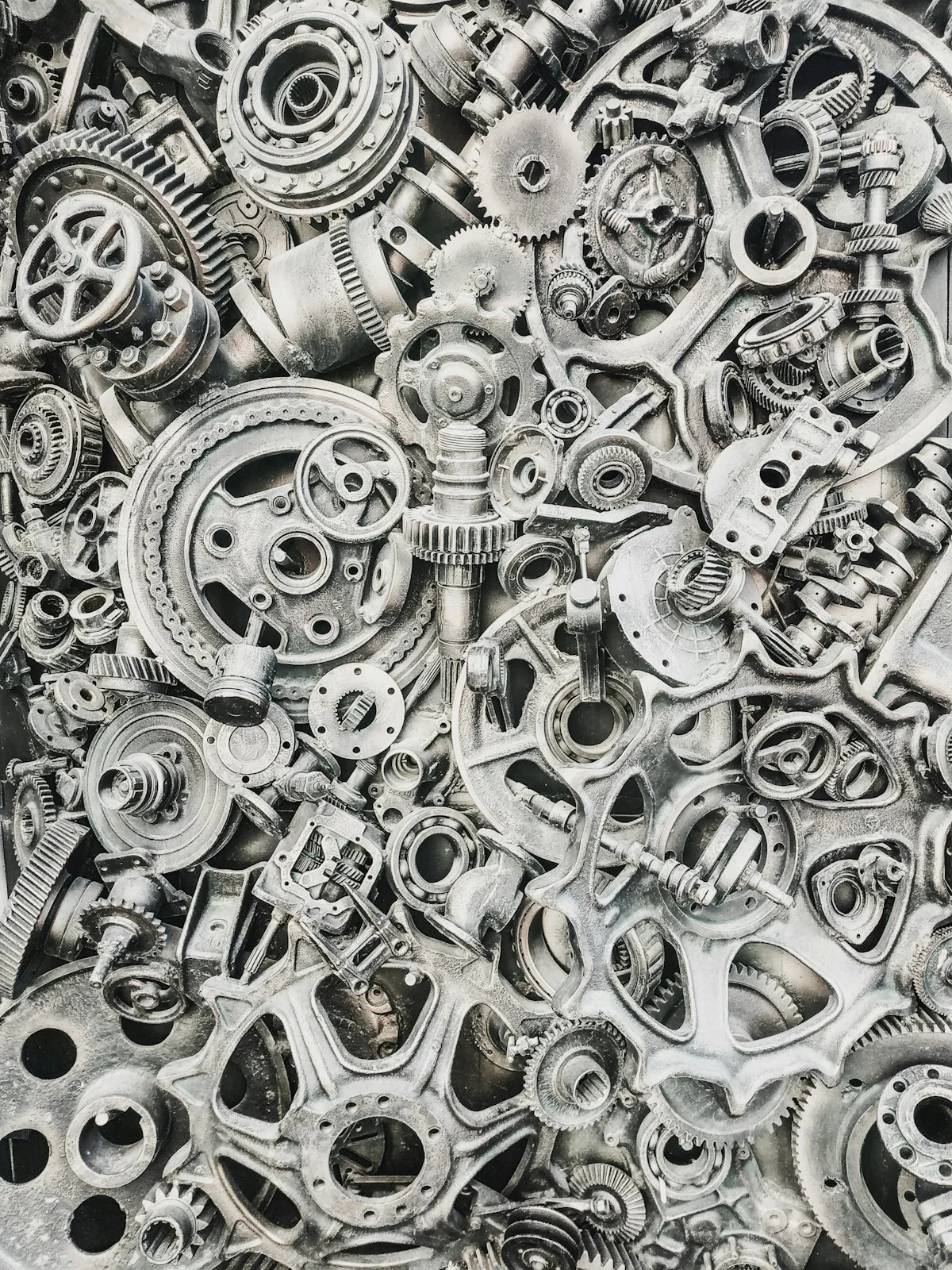
Other Parts
Other components are identified from the machine reference, part position and visible markings. Use that page when the part is not a blade or screen.
Start With Identification
A nameplate photo, model reference and part position help establish the correct starting point. Add a clear view of the removed part when it is safe to obtain one.
- Nameplate photo showing the machine model
- Model reference from your manuals or purchase records
- Position of the part on the machine
- Any reference or marking stamped on the old part
- Wider photo showing the surrounding assembly
- Quantity needed and whether it forms a set
Mask serial or site details you do not need to share before sending a nameplate photo.
Check Dimensions and Fit
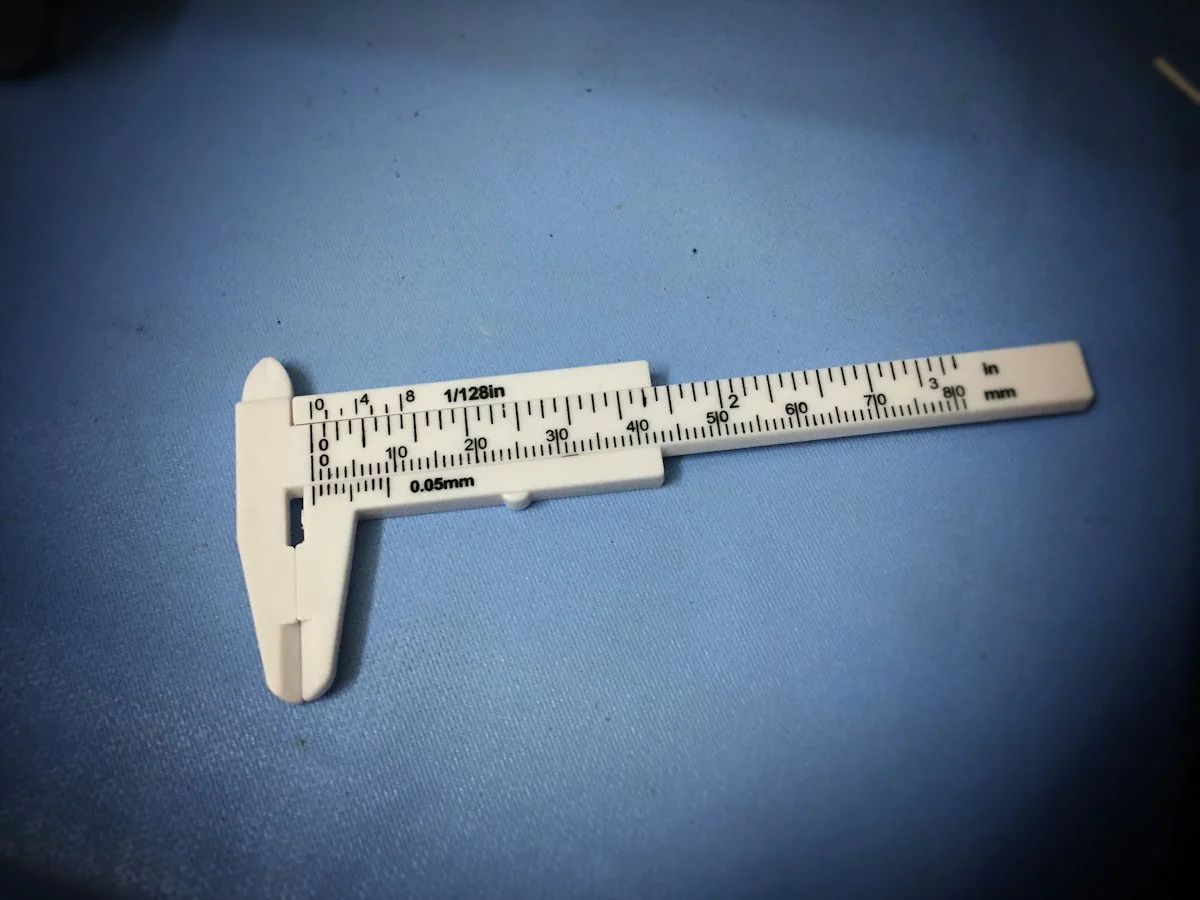
Confirm the dimensions and mounting details against an approved drawing or part specification. Similar appearance is not enough to establish interchangeability.
Measure the old part on clean surfaces and note which faces show wear. Worn edges and enlarged holes can change readings, so mark any measurement that may not reflect the original part.
Mounting Details Matter
Hole positions, slots, locating faces and fastener sizes decide whether a part seats correctly, even when the outline looks the same.
Drawing Takes Priority
Where an approved drawing exists, use its dimensions as the reference and treat the worn sample as supporting evidence.
Each Machine Checked Separately
A fit confirmed for one machine is not carried over automatically to another model or brand; each needs its own check.
Review Listed Parts
Open a part page to see the available references, specification fields and identification photos. Part availability and lead time are confirmed for the required quantity.
Reference
Compare the listed reference with your nameplate, manual or old part marking, as it is the clearest link between a record and your request.
Part Type
Check that the listed type matches the position and function of your part, so a similar-looking item from another group is not chosen.
Verified Machine
Look for your machine among the verified connections; if it is not listed, send its reference so fit can be reviewed for that part.
Request a Part Quote
Cannot find your part in the list? Send the machine reference and part photos for identification.
Clarify the Supply Scope
Confirm the part, quantity, material specification and any matched components that belong in the order. State whether you need a single replacement or an agreed spare-parts set.
A clear supply scope lists each item with its reference and quantity, and notes any parts that should be replaced together. Agreeing this list before the quotation helps avoid missing items or incomplete sets when the order is prepared.
Parts Replaced Together
Note any items that are normally changed at the same time on your machine, so they can be reviewed in one scope.
One Reference per Line
List each part on its own line with reference, position and quantity, rather than grouping different sizes under one description.
Planned Site Spares
If you are building a spares holding for your site, share the planned quantities so the scope can be reviewed as one request.
Standard or Custom Parts
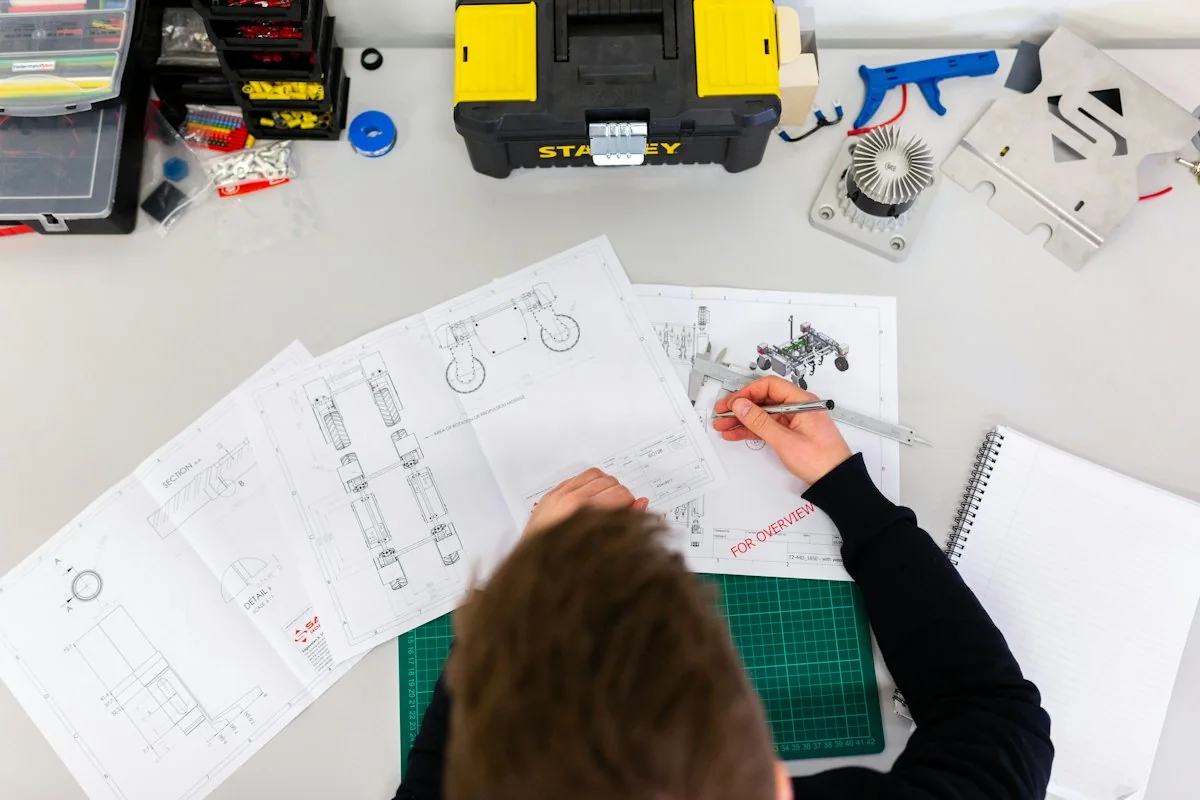
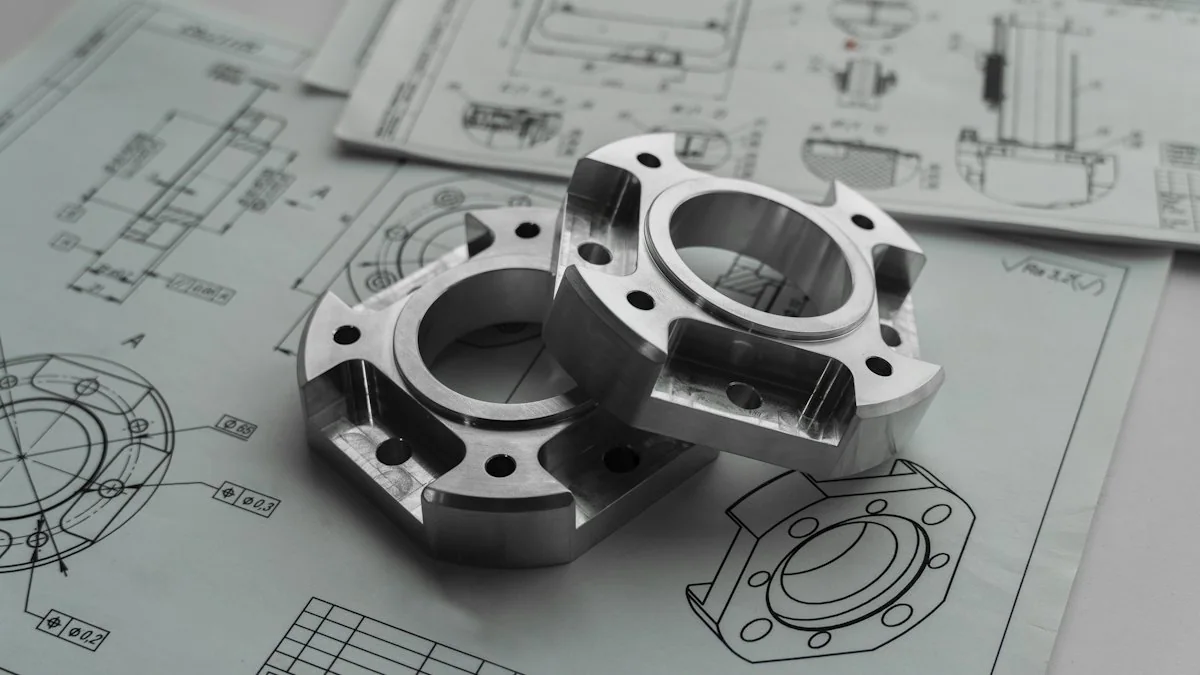
Start with an existing reference for a standard replacement, or provide a drawing for a non-standard requirement. Identification, dimensions and the approved specification come before any commitment on interchangeability or supply.
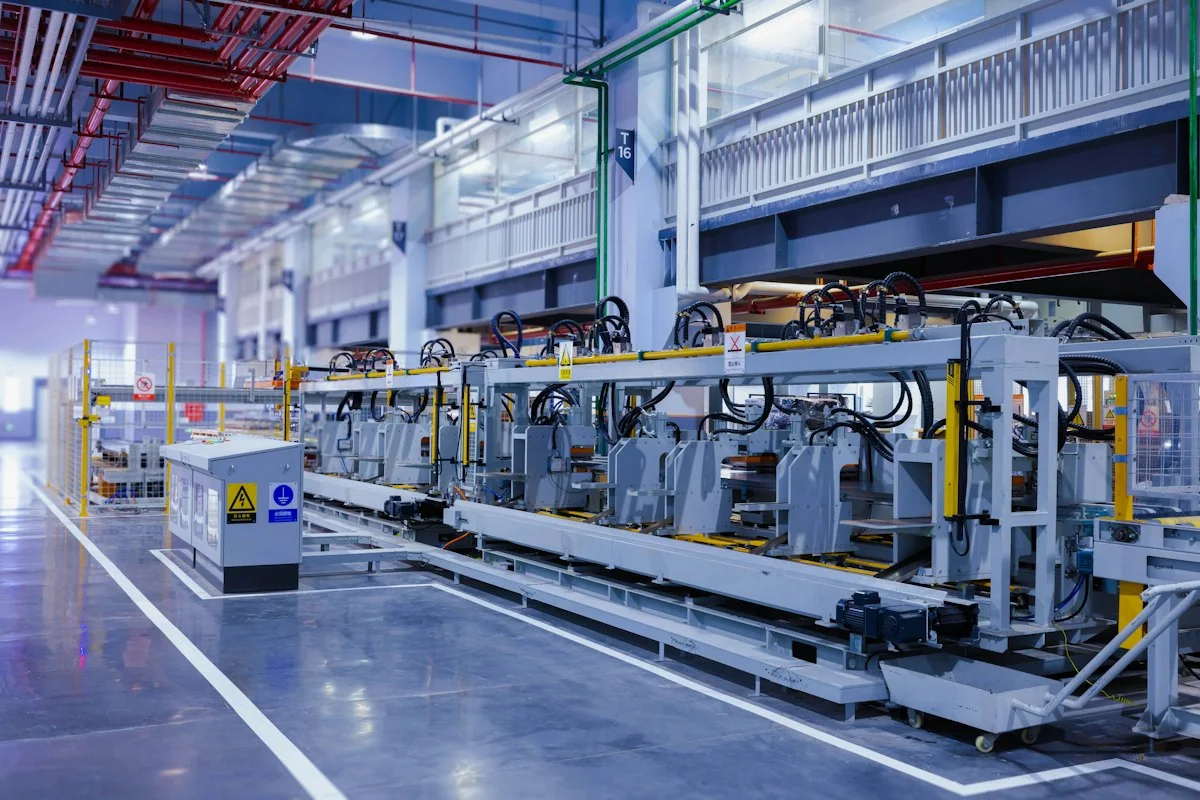
Temporary photo Reference Match
For a standard replacement, compare your existing part reference with the listed record and confirm the position and machine it belongs to.
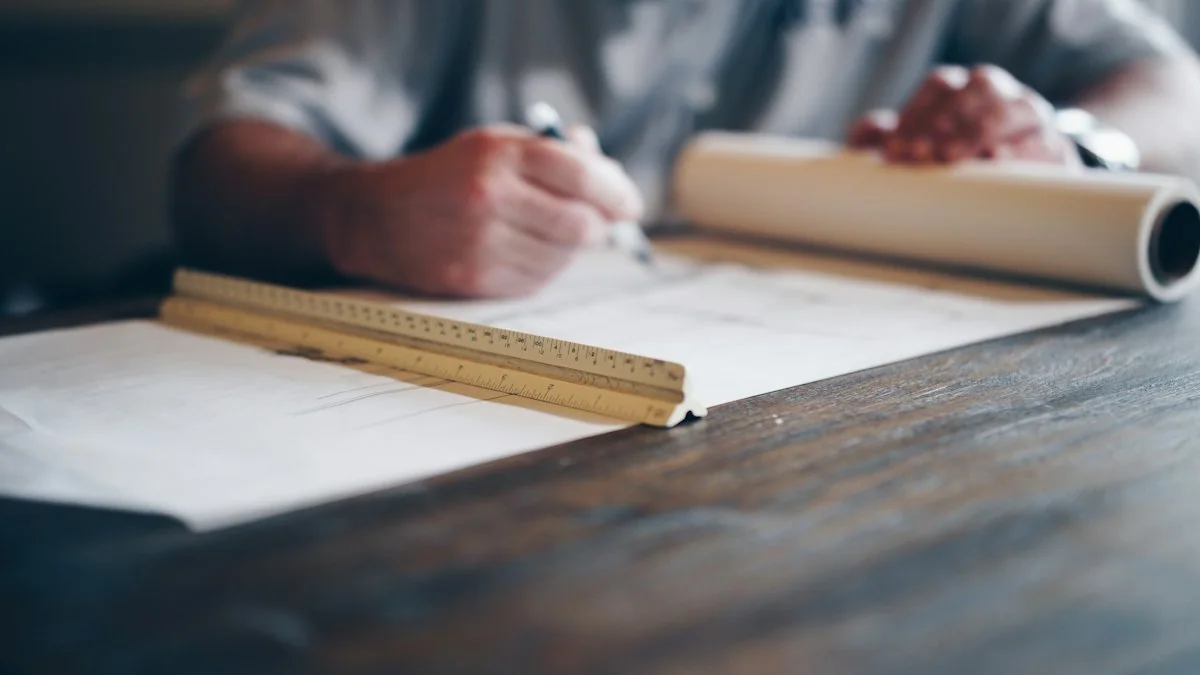
Temporary photo Drawing Review
For a non-standard part, share the drawing or a measured sketch so dimensions, tolerances and mounting features can be reviewed before quotation.
Temporary photo Specification Approval
Approve the final specification in writing, including material, dimensions and quantity, before production or supply begins.
Keep the Machine Reference
Include the machine reference in each future parts enquiry. A documented connection between the equipment and its wear parts helps keep replacement discussions clear.
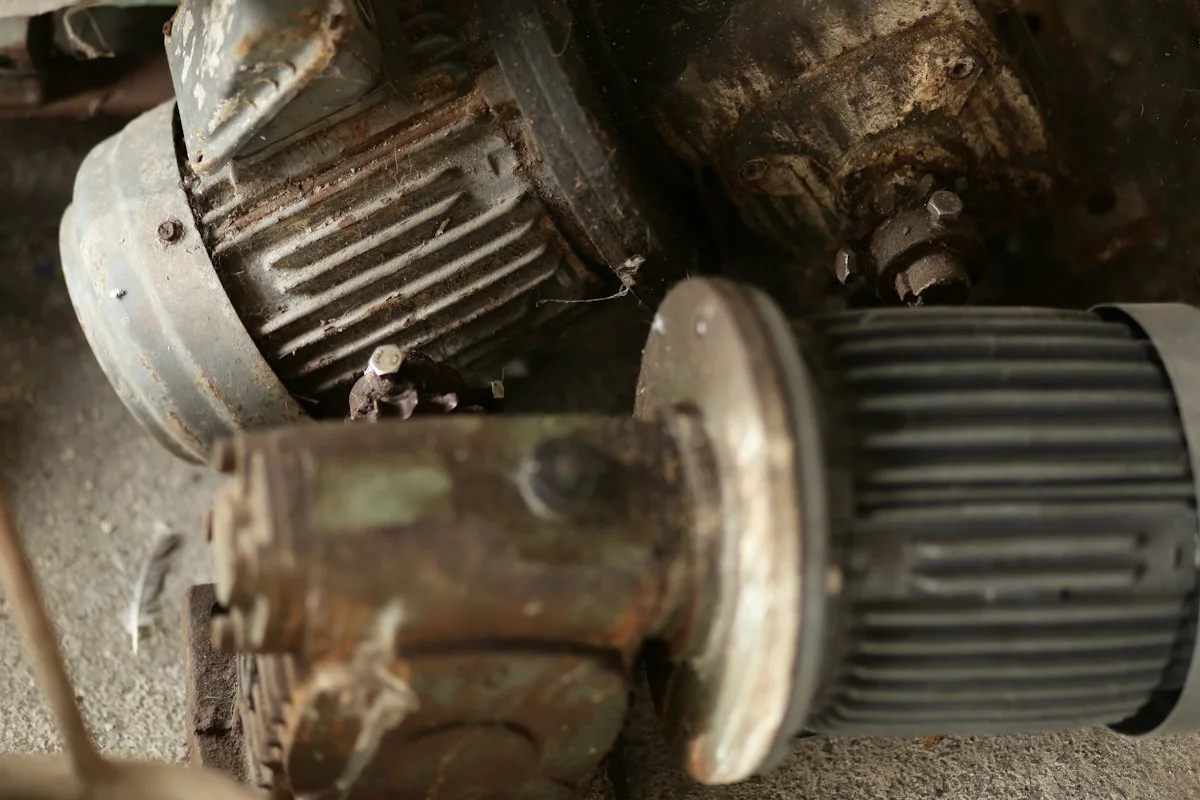
Temporary photo 01Record the Confirmed Reference
Once a part is confirmed, note its reference alongside the machine model and the position where it is fitted.
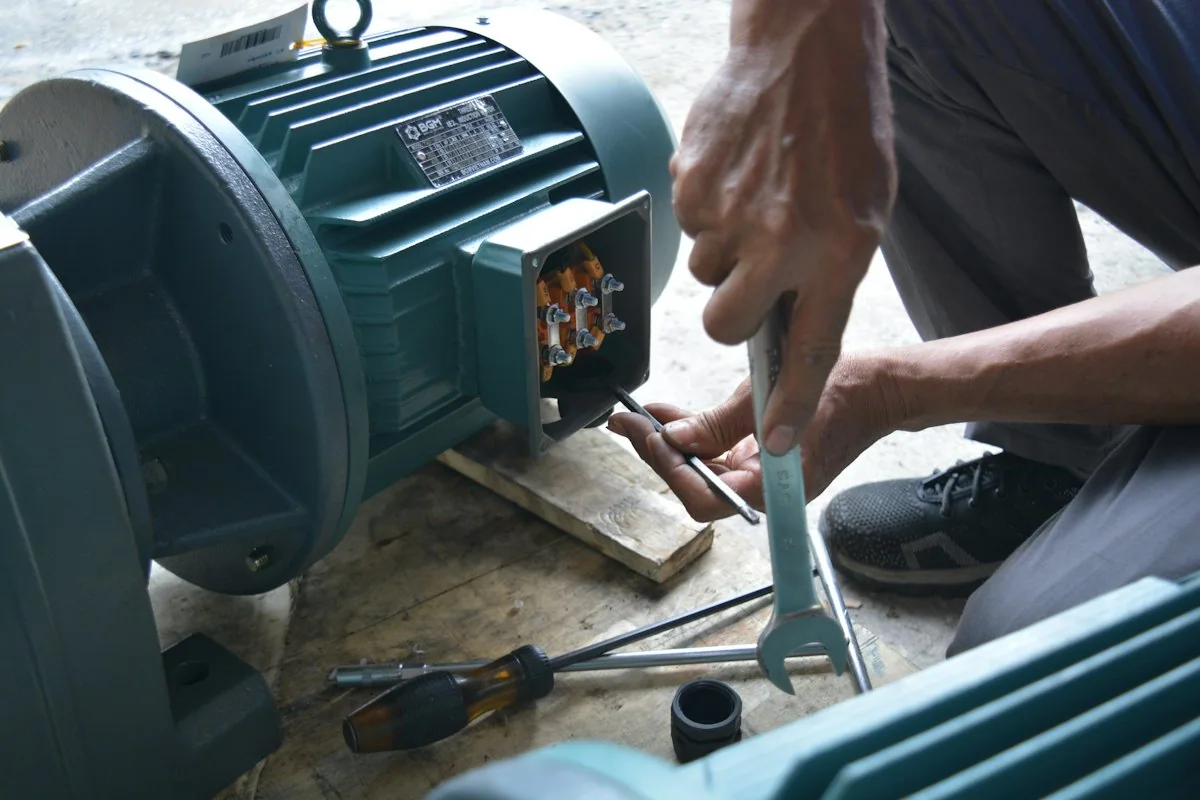
Temporary photo 02File With Machine Documents
Keep that record with the manuals or maintenance file for that specific machine, not in a general parts list.
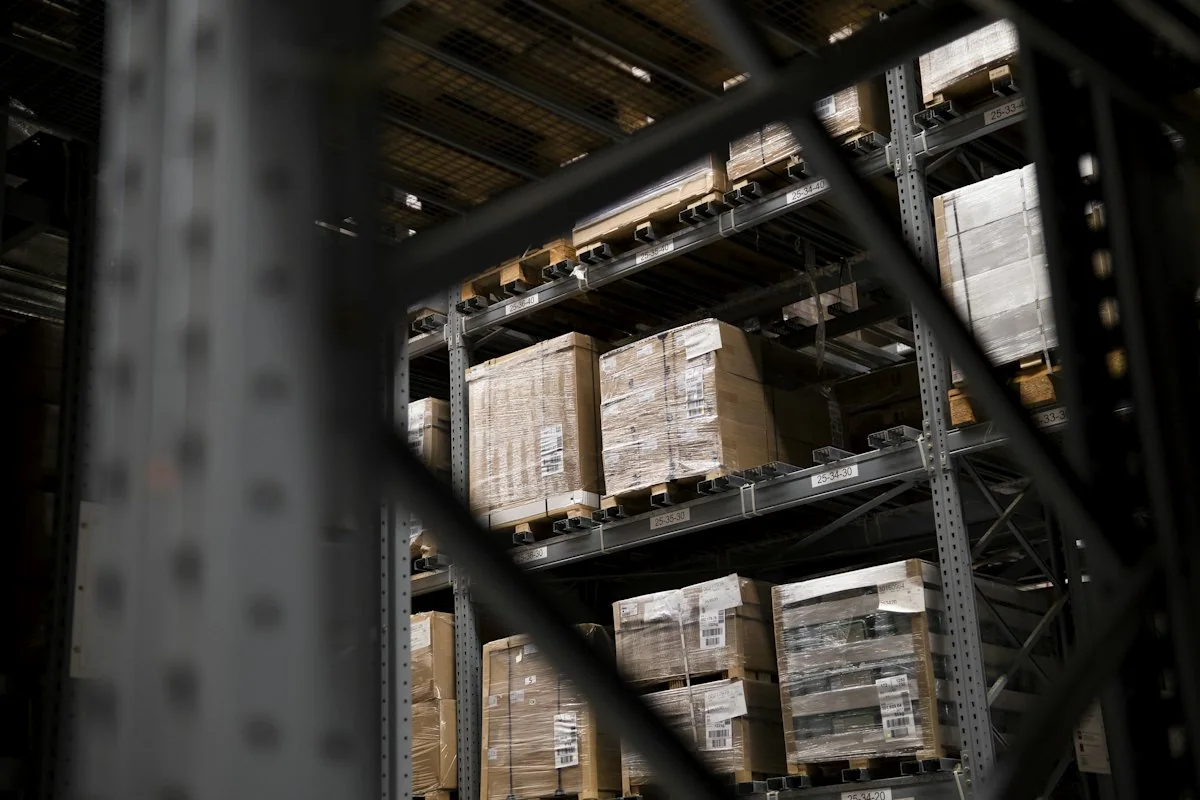
Temporary photo 03Label Spares on Arrival
Mark spare parts on your shelf with the same reference, so the right item is used when the machine needs it.
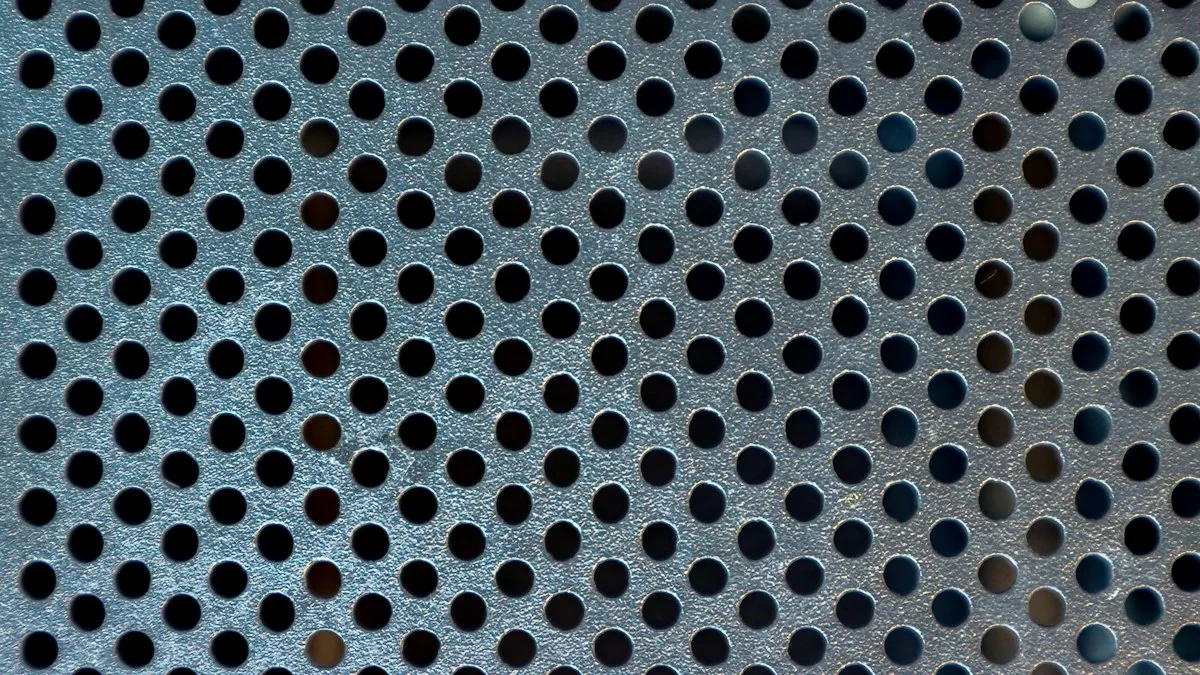
Temporary photo 04Send It With Photos
Pair the reference with a current nameplate photo, so any later change to the machine can be noticed during identification.
From the Factory
Connect your equipment or part request with the factory team handling the specification. Use relevant manufacturing, assembly or inspection images to review the proposed build and clarify the records required for your order.
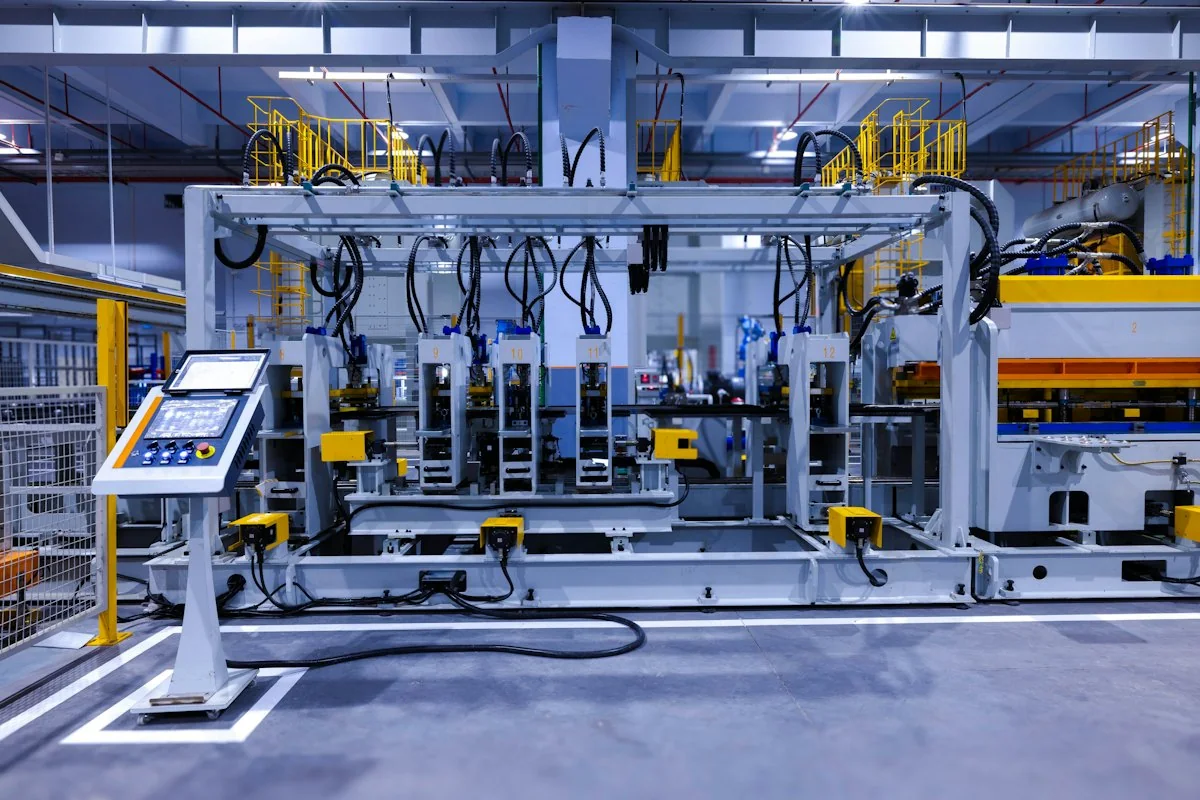
Temporary photo Who Reviews the Specification
Ask who will review your part specification and how questions about dimensions or mounting will be raised with you.
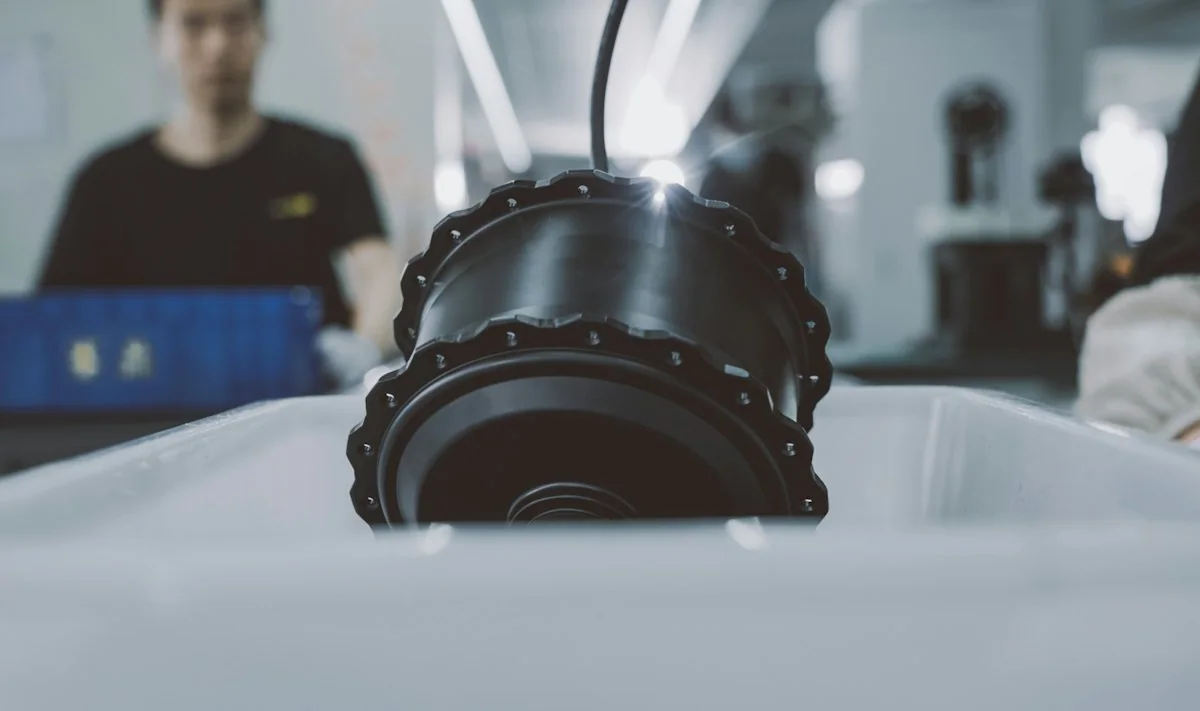
Temporary photo Part Source Stated
Ask whether the part is made in the factory or sourced, so the records you receive match how it is supplied.

Temporary photo Inspection Records
Request the inspection records available for your order and confirm which dimensions or features they cover.
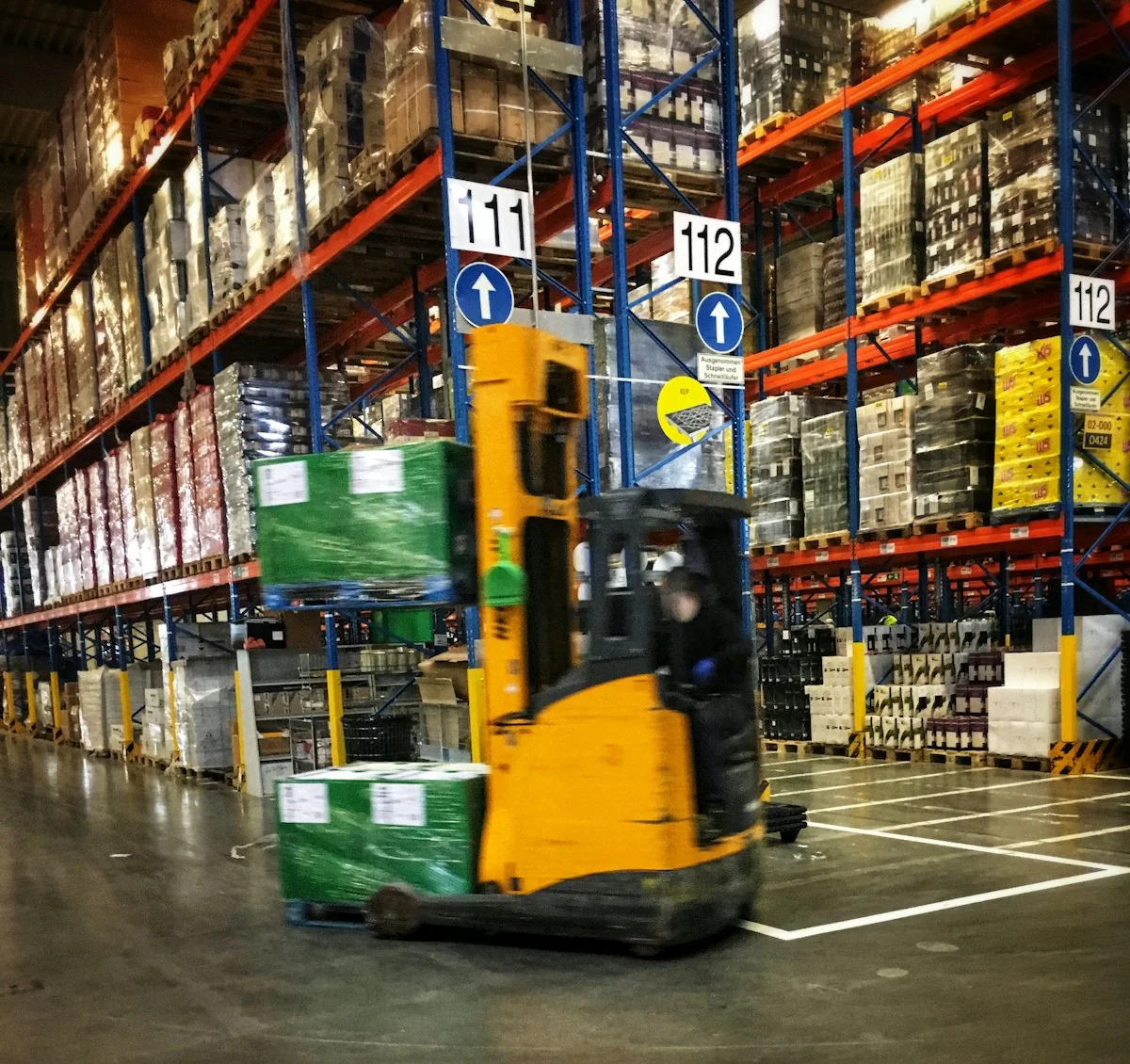
Temporary photo Labelling Against Your Order
Agree how each part will be labelled so it can be matched to your order and machine reference when it arrives.
Request a Part Quote
Have a nameplate photo or old part ready? Send it with the quantity you need to start the review.
FAQ
Can you identify a part without a number?
Start with clear photographs, the machine model, the part position and key dimensions. The final match requires sufficient technical information.
Can a similar-looking blade be used?
Appearance alone does not confirm fit or suitability. Dimensions, mounting details and the agreed specification need to be checked.
Are parts available for other brands?
Send the brand, model and part details for review. Compatibility and supply must be confirmed for the specific part; universal interchangeability is not promised.
How is delivery time confirmed?
Delivery time is confirmed after the part specification, quantity and current supply arrangement are reviewed.
Can I request a custom specification?
Yes. Describe the configuration or specification you need, together with the material or machine reference. Feasible options, drawings where required, and the final supply scope are confirmed before production.
Request the Part You Need
Send the machine reference, part details and required quantity. A drawing or clear photographs can help identify the correct replacement or custom specification.
Include the details you already know. You do not need every specification to start.
What to Include
Use the details you already know. A model number is not required to begin.
6. REPLACEMENT PARTS
Machine model or nameplate; part number or installation position; drawings or dimensions; mounting details; required quantity.
Do not rely on appearance alone to establish compatibility.
7. WHAT TO AGREE IN THE PROPOSAL
Selected equipment; standard items; options; items supplied by others; relevant test/acceptance basis; documents; support and delivery responsibilities.
Please do not send unnecessary personal documents, passwords or unrelated confidential files.