China Single Shaft Shredder Factory
Compare single-shaft shredding around your material, feed arrangement and discharge requirement. Discuss the rotor, cutting tools and applicable screen or feeding options as part of the selected configuration.
On This Page
Define the Feed
Provide the material, maximum piece dimensions and the way it will enter the chamber. Include bulky, dense or irregular pieces that may change the feeding requirement.
Single-shaft selection depends on how pieces behave in the hopper. Light, loose material and dense, compact pieces can need different feeding discussions, so show the full range you expect rather than a single typical sample.
- Material name, grade and condition
- Largest piece dimensions, including any thick solid sections
- Photos of awkward pieces beside a measuring rule
- Whether feed arrives loose, bundled or as single pieces
- Known contamination, such as metal, sand or labels
- Current loading method and any existing feeding equipment
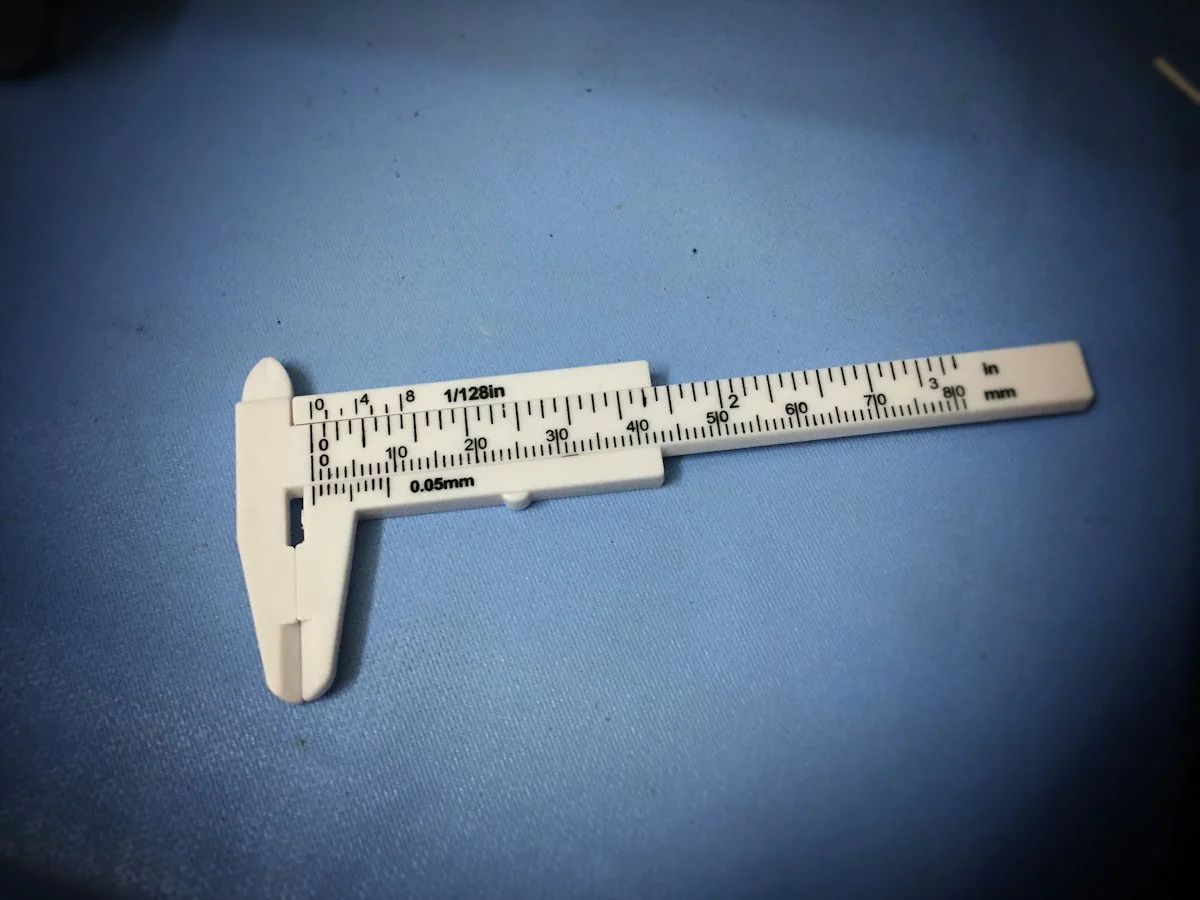
A short video of material being loaded today shows how pieces will reach the chamber more clearly than photos alone.
Review the Feeding Design
Check how the proposed machine brings material into the cutting area. Where a pusher or other feeding device is included, review its actual arrangement and required working space.
The feeding arrangement shapes how steadily material reaches the rotor. Ask to see how the proposed hopper and any feeding device suit material like yours, and confirm whether each element is standard or optional for the model.
Pusher Where Included
If a pusher is part of the design, ask how it moves material toward the rotor and how its travel is controlled.
Hopper Loading Side
Confirm the side and height from which your team will load the hopper, by hand, loader or conveyor.
Light or Bulky Feed
Describe material that may bridge or sit above the rotor, so the feeding arrangement can be reviewed for that condition.
Space Behind the Machine
Allow for any feeding device and its maintenance access when you plan the floor area.
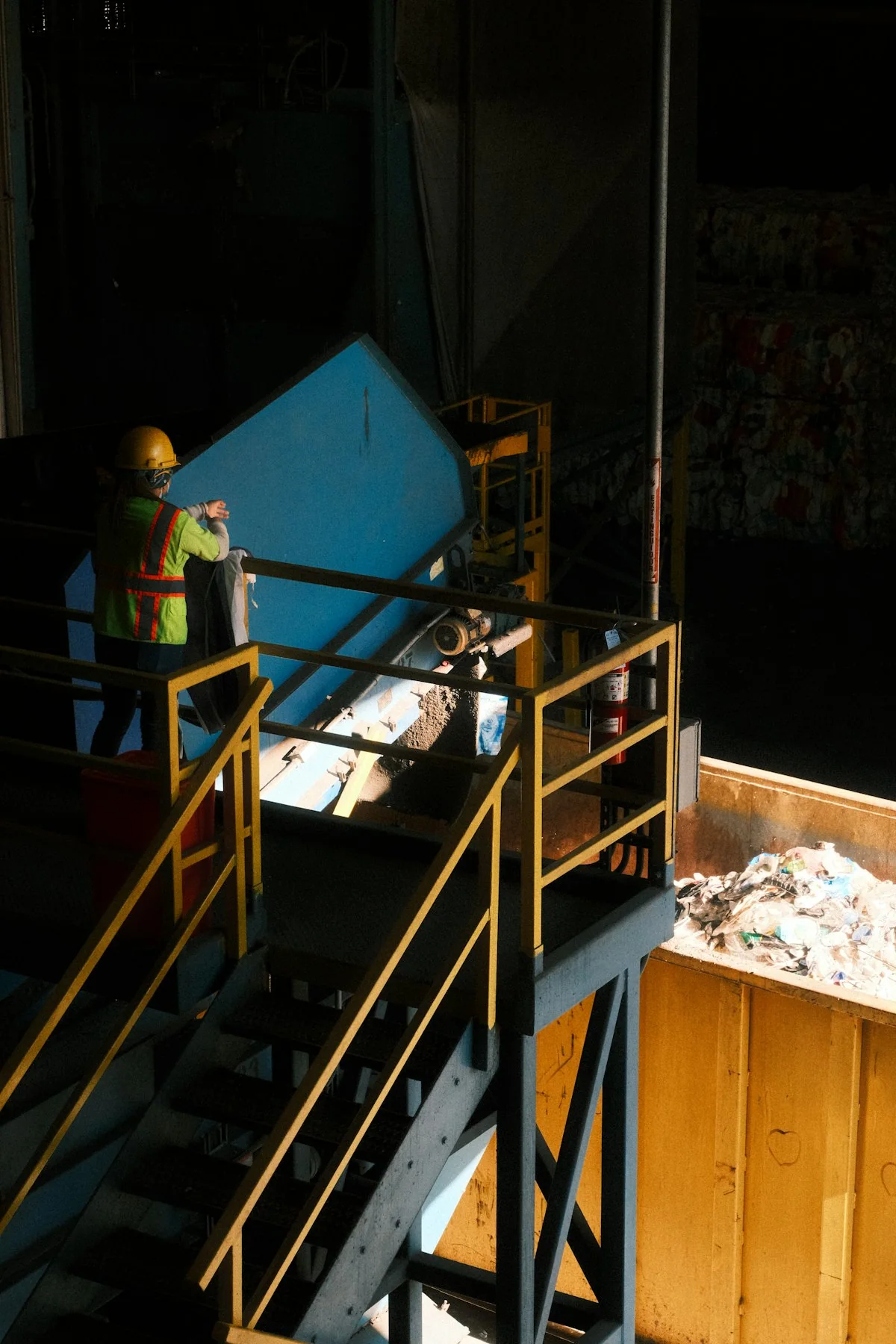
How Material Enters
Describe whether feed arrives as individual pieces, loose bulk or pre-reduced material. The actual hopper and feeding arrangement should suit that condition.
Cutting Assembly
Review the proposed rotor and cutting-tool arrangement rather than treating all single-shaft machines as the same design.
Discharge Control
Where a screen is part of the design, review it with the material and downstream target. Do not treat a nominal opening as proof of an identical final particle shape.
Confirm the Discharge
Review the model’s discharge arrangement and any screen used. The required output must be confirmed for the material and next process, not inferred from a screen opening alone.
Discharge should be judged against the job it has to do next. Ask for photos of discharged material from a comparable feed, and check how output leaves the machine and reaches your collection or transfer point.
State the Receiving Need
Describe what the next machine or process accepts, rather than quoting a screen size alone.
Ask Where Output Came From
Where output is described, ask what material and feed condition it came from.
Check the Outlet Position
Confirm where material exits and how a conveyor or container fits below it.


Compare Available Models
Compare chamber dimensions, rotor arrangement, installed power and the documented output basis. Include the working schedule and downstream machine in the model discussion.
Read the columns together, since rotor, feeding and screen choices interact. Where a card shows no value, ask for the confirmed figure and its basis.
Rotor
Check the rotor design and how cutters are mounted on it. Ask how this arrangement suits the thickness and density of your material.
Feeding Method
Review how material is brought to the rotor, whether by gravity or a feeding device. Match this to your bulk condition and loading method.
Screen if Fitted
Check whether a screen is part of the model and how its opening relates to your required output. Ask what access is provided for changing it.
Power
Compare installed power with your material and working schedule, not as a capacity figure. Confirm the electrical requirement for your site.
Discuss My Configuration
Send your feed details and required discharge to compare single-shaft models on the same basis.
Plan Cutter Replacement
Identify the installed cutters, mounting details and parts references. Ask which components are replaceable and what information is needed to order them.
Cutter planning is simpler when parts are named and referenced before delivery. Ask for close-up photos of the installed cutters on the selected model, and keep their references with your machine documents for future orders.
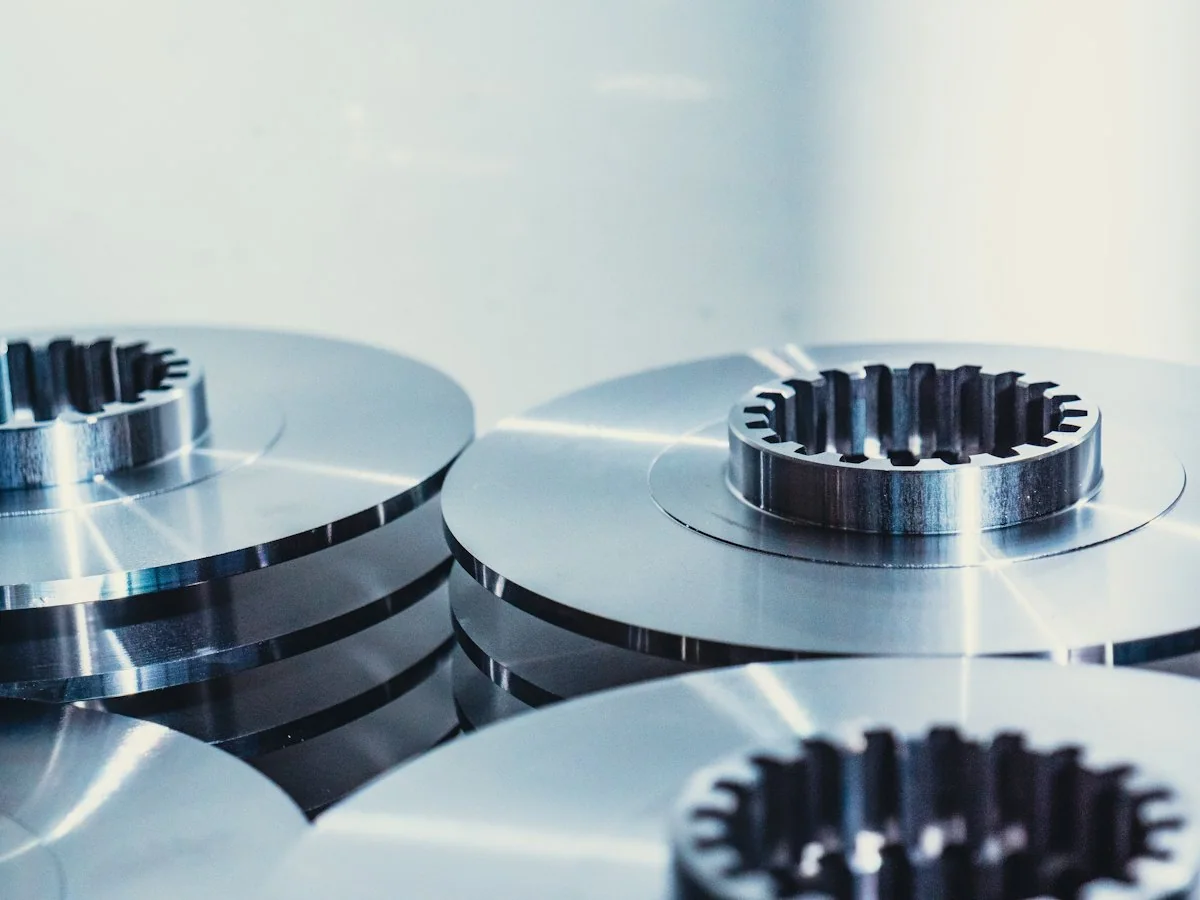
Temporary photo Rotor Cutters
Identify the cutters mounted on the rotor and how they are held in place. Ask which maintenance options apply before planning spares.
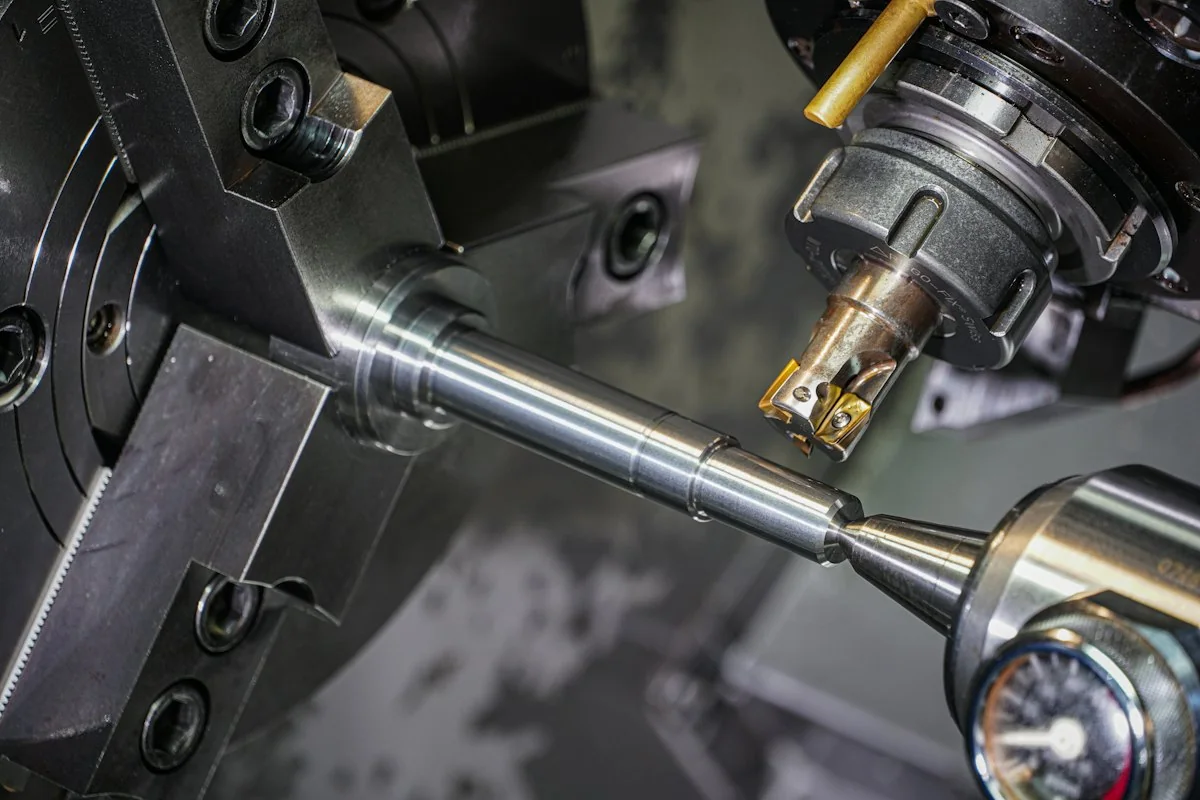
Temporary photo Fixed Counter Knife
Check the position of the fixed knife in the chamber and how its setting is checked after replacement.
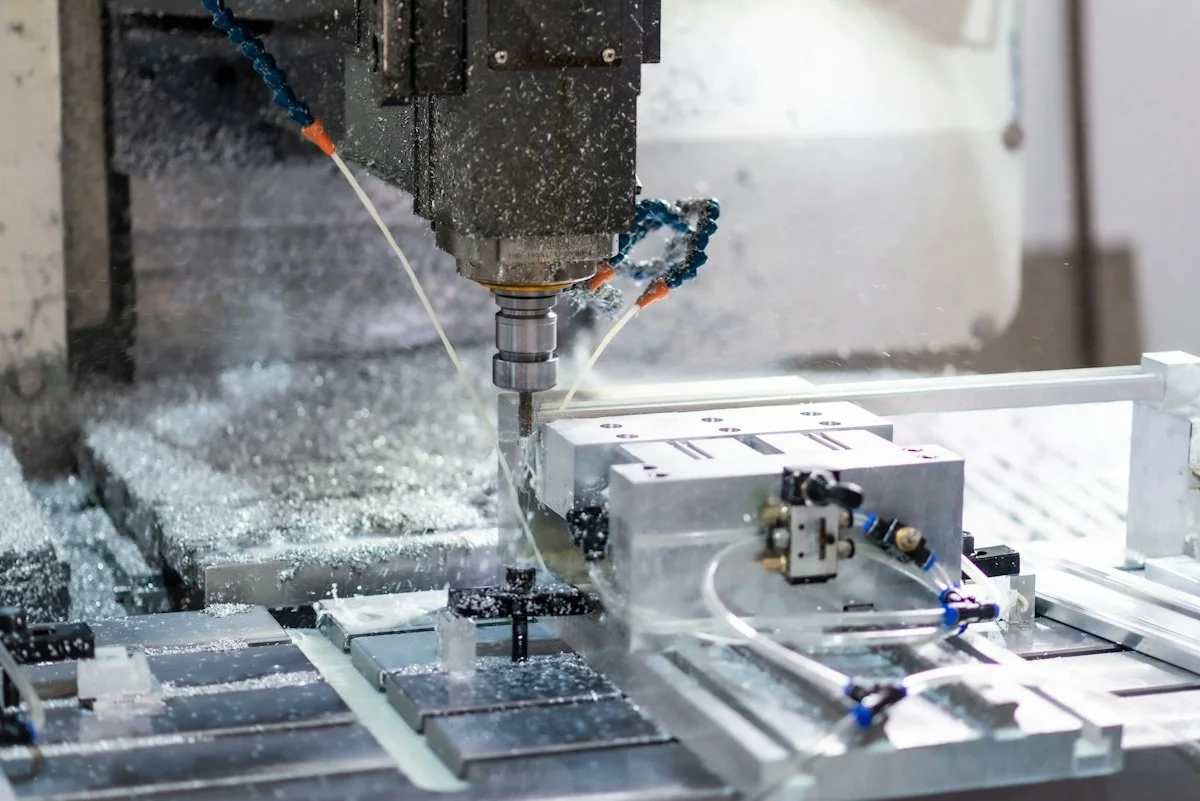
Temporary photo Mounting Details
Ask for the bolts, holders or seats used for each cutter. These details are needed to order matching parts.
Temporary photo Ordering Information
Confirm what you must provide when ordering, such as the model reference, part reference or photographs of the worn part.
Connect the Next Stage
Review whether the discharge is ready for your intended use or needs a crusher. Match the transfer and feed requirements before finalising an integrated line.
If you are still deciding between shaft designs, compare the double-shaft range alongside this range. Otherwise, work through the connection to the next stage before the line layout is fixed.
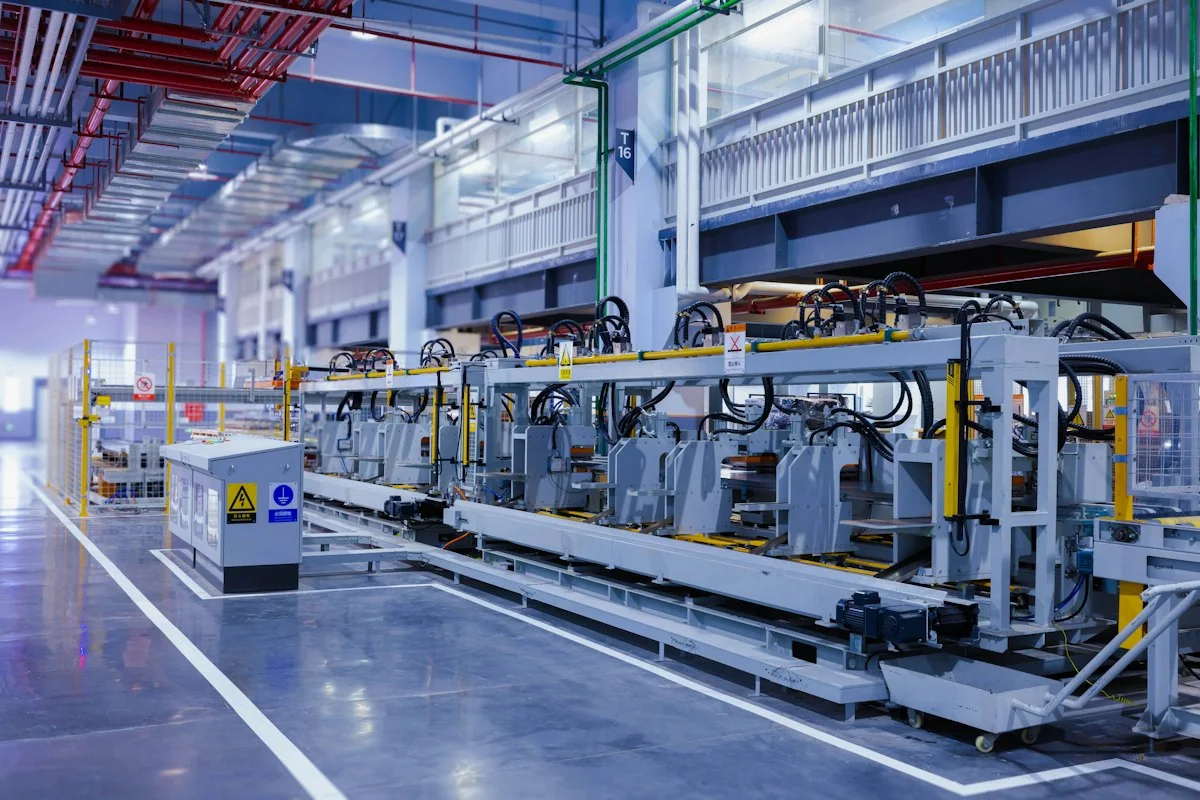
Temporary photo 01Check the Discharge Purpose
Decide whether the shredded material is used as it is or sent for further reduction.
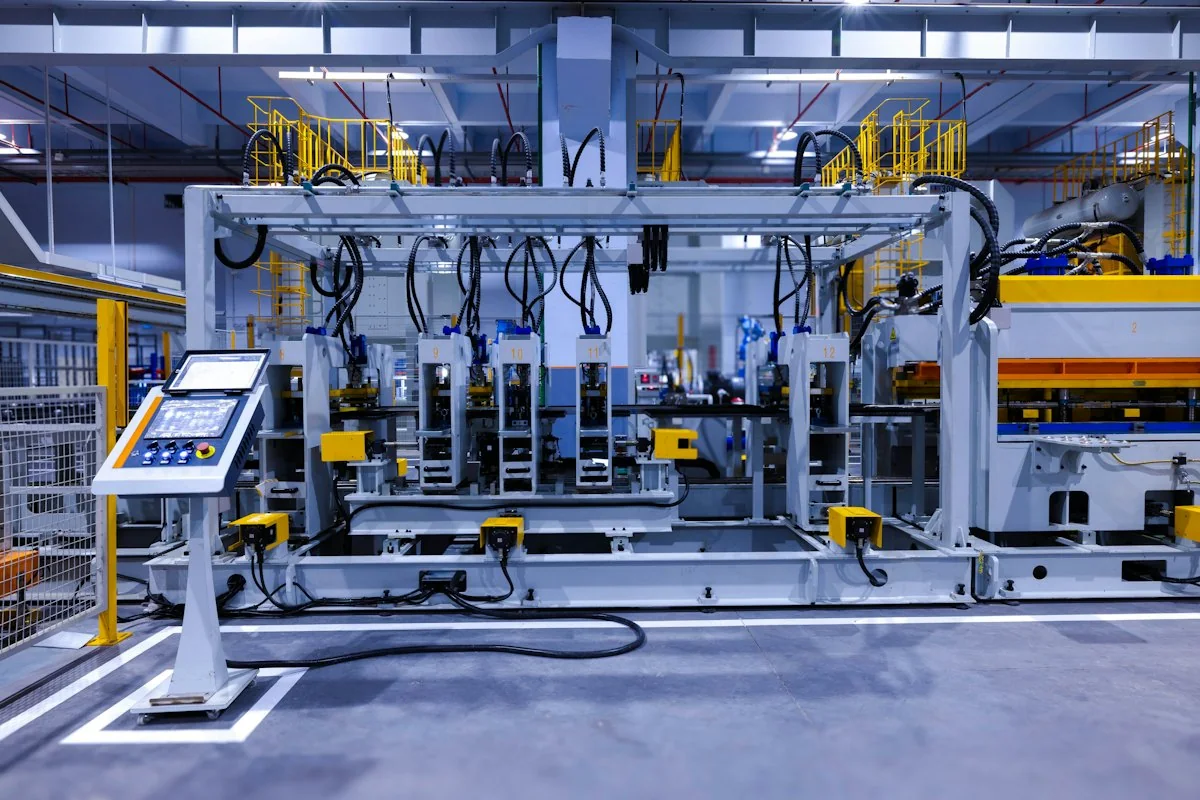
Temporary photo 02Compare with Crusher Feed
Where a crusher follows, compare the shredder discharge with that crusher's feed requirement.

Temporary photo 03Choose the Transfer Method
Select how material moves between stages, such as by conveyor or chute, and allow access around it.
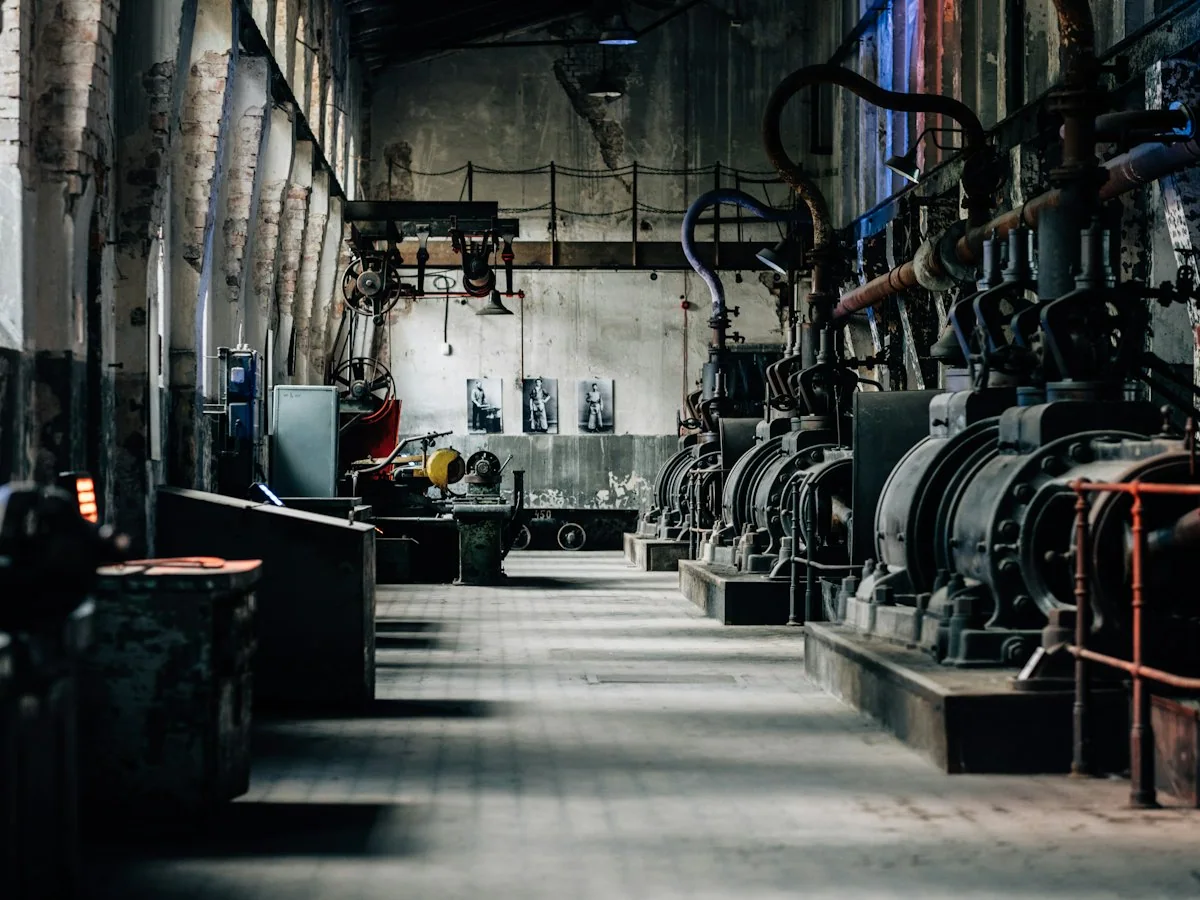
Temporary photo 04Review the Complete Line
Review the full arrangement, including collection points and operator access, before the layout and supply scope are fixed.
Discuss My Configuration
Share the next machine in your process so the shredder discharge can be reviewed against it.
Configure Your Single-Shaft Setup
Discuss the rotor and cutting tools, feeding arrangement, screen where applicable and discharge interface. Select the configuration around the actual feed and the output required by your next process.
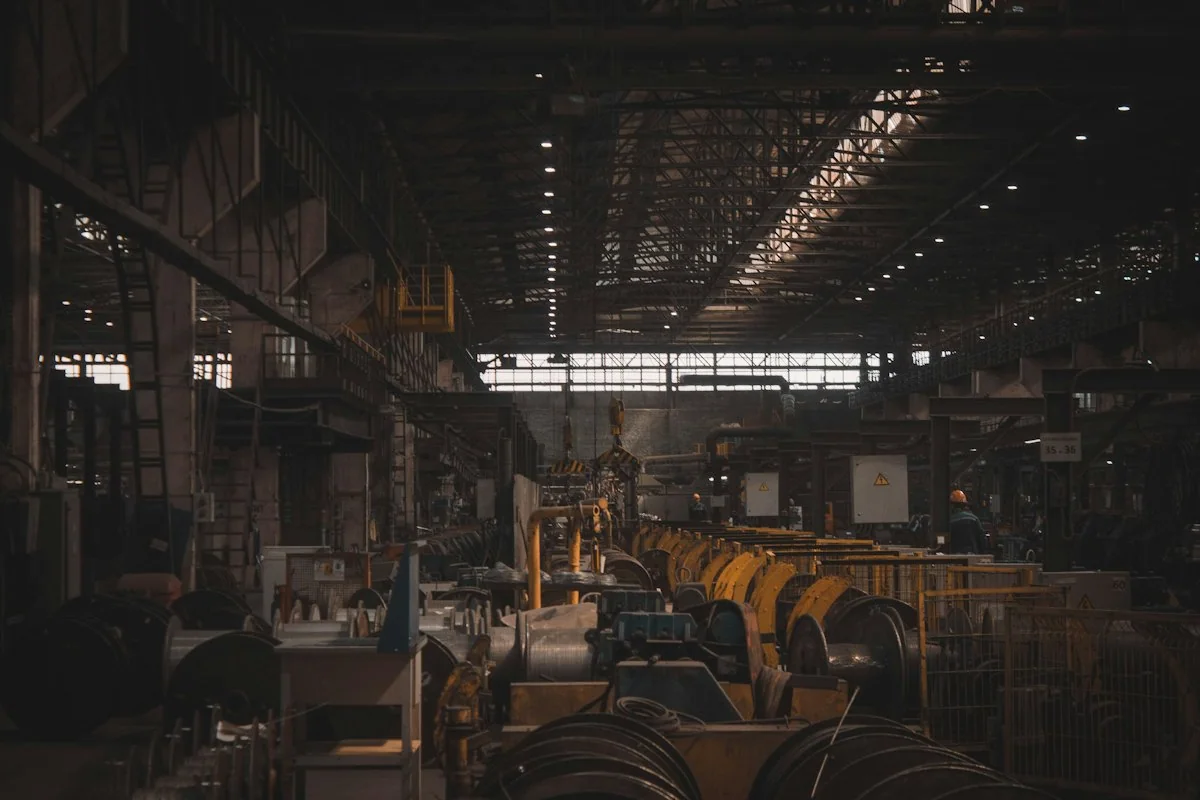
Temporary photo Rotor & Tools
Discuss the rotor design and cutter arrangement for your material and discharge target. Record the agreed cutter references with the configuration.
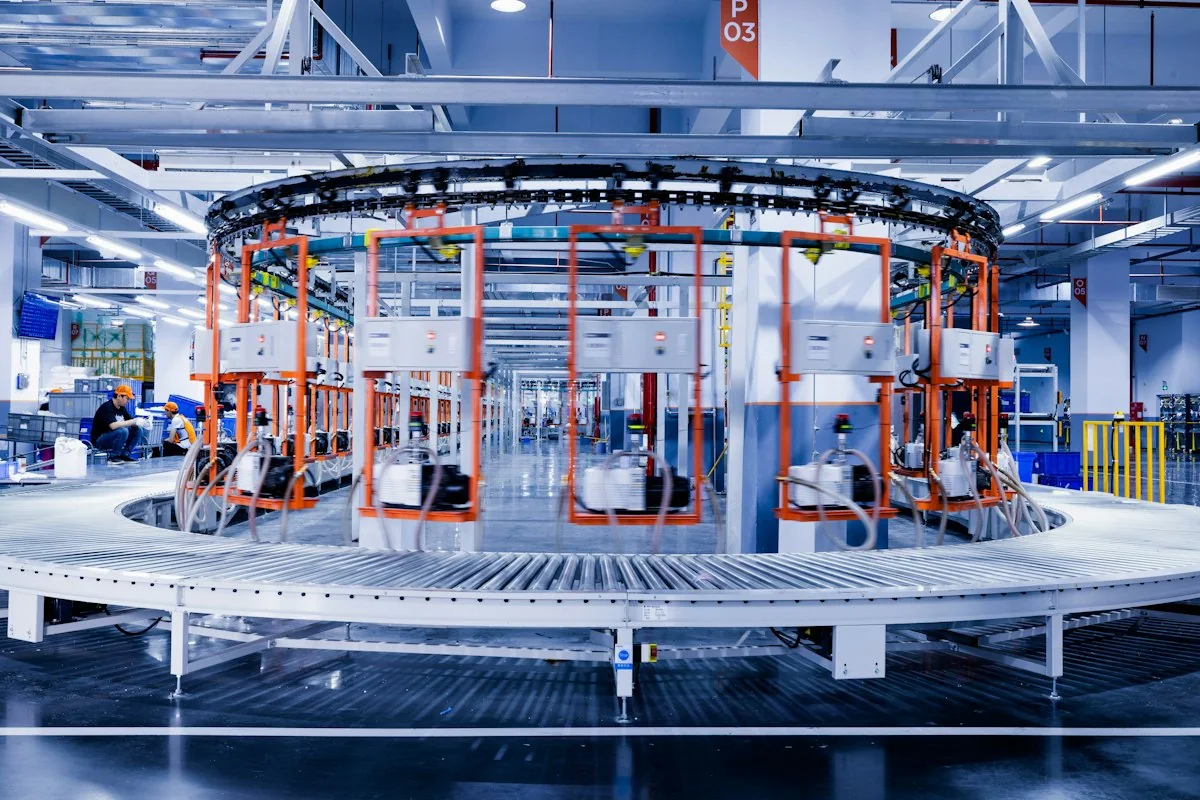
Temporary photo Feeding
Describe your loading method and bulk condition so hopper and feeding options can be discussed. Confirm whether any feeding device is included or optional.
Temporary photo Applicable Screen
Where a screen suits your process, discuss its opening against the required output and the next stage. If no screen is used, confirm how the discharge is controlled.
See the Rotor and Build
Review real photographs of the rotor, feeding arrangement and assembly work. Use the selected model’s evidence rather than generic shredder imagery.
Build photographs are most helpful when they show the exact series under discussion. Where a short video is available, use it to see how the feeding arrangement and rotor work together.
Rotor Close-Ups
Look at cutter mounting and rotor construction in clear, close images.
Feeding Arrangement
Check the hopper and any feeding device as built on the selected model.
Assembly Work
Review images of the machine during assembly, with the model reference visible where possible.

FAQ
Does every single-shaft shredder use a hydraulic pusher?
Check the actual model design. Feeding equipment should be described as standard or optional only when confirmed.
Will a screen guarantee one exact discharge size?
A screen specification alone should not be presented as a complete particle-size guarantee. Confirm the required output and test basis for the material.
Can the machine be used before a crusher?
Review the shredder discharge against the receiving crusher’s feed requirements. The two machines should be discussed as connected stages.
How do I compare it with a double-shaft model?
Compare feed acceptance, feeding method, discharge and the next process stage. Shaft count alone does not determine the correct choice.
Can this be customized for my process?
Yes. Describe the configuration or specification you need, together with the material or machine reference. Feasible options, drawings where required, and the final supply scope are confirmed before production.
Discuss Your Single-Shaft Setup
Describe your material, feed shape and required discharge. Include the next process or machine and any existing feeding equipment.
Include the details you already know. You do not need every specification to start.
What to Include
Use the details you already know. A model number is not required to begin.
1. YOUR MATERIAL
Material name and condition; largest starting dimensions; a photograph when available.
Describe thickness, mixed shapes or other details that affect feeding.
2. YOUR OUTPUT
Required powder, smaller pieces or regrind; the next process; the output specification and its measurement basis when known.
State the desired hourly throughput as a target, not a confirmed machine result.
3. YOUR SITE
Country/region; known power supply; available floor space and height; existing equipment; relevant cooling or nitrogen arrangements.
4. YOUR CONFIGURATION
Standalone machine, replacement machine or connected line.
Describe requested changes to feeding, discharge, cooling, controls, layout or connections.
7. WHAT TO AGREE IN THE PROPOSAL
Selected equipment; standard items; options; items supplied by others; relevant test/acceptance basis; documents; support and delivery responsibilities.
Please do not send unnecessary personal documents, passwords or unrelated confidential files.