China Shredder Factory
Start size reduction with a shredder matched to your incoming material and required discharge. Compare single-shaft and double-shaft options, then connect the appropriate crushing or grinding stage where further reduction is needed.
On This Page
Compare Shaft Designs
Compare the process role rather than deciding by shaft count alone. Review how the material is fed, how it is cut and what the next stage expects from the discharge. The actual model configuration remains the basis for selection.
Each design is reviewed from a different angle. Use the tabs to see what to check, then open the related range to compare actual models and configurations.
Single Shaft Shredders
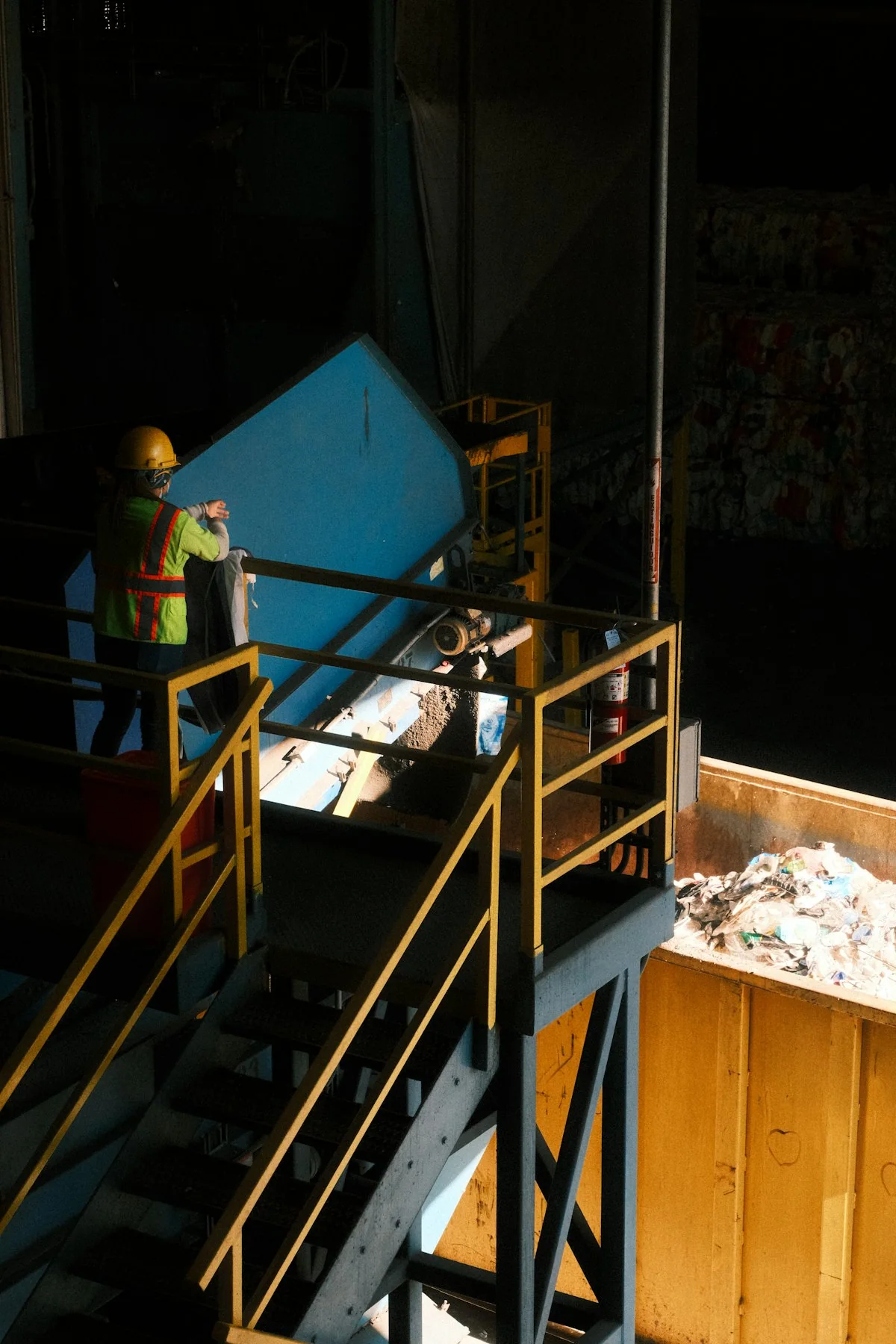
Review this range when your comparison centres on how material is fed to a rotor and how its discharge is controlled. Open the single-shaft page for feed, rotor and screen details.
Double Shaft Shredders
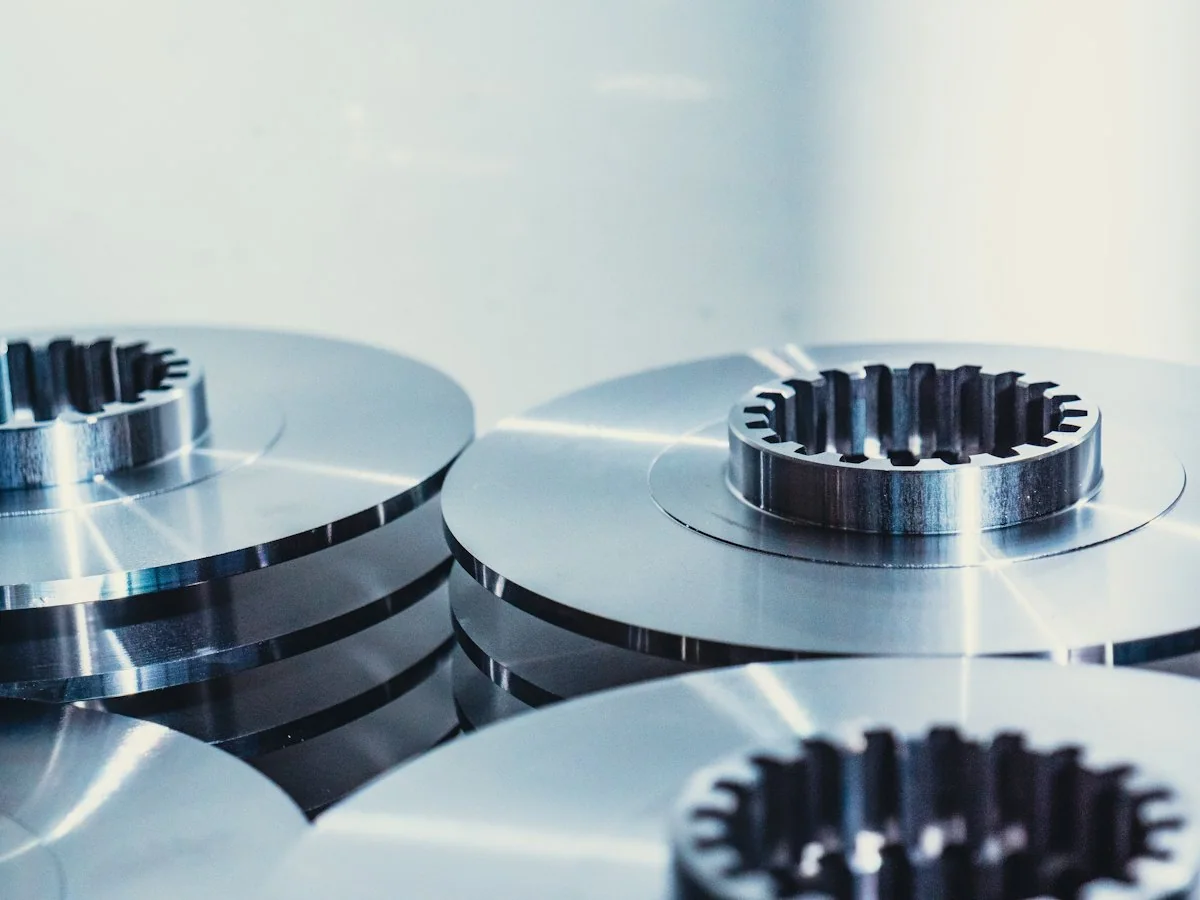
Review this range when bulky starting material needs primary reduction before any further stage. Open the double-shaft page to check cutter arrangement, material records and discharge by model.
| Design | Selection Focus | Before You Decide |
|---|---|---|
| Single Shaft | Actual feeding design, cutting tools and discharge control. | Check the proposed rotor, screen if fitted, and the next-stage requirement. |
| Double Shaft | Primary reduction, cutter arrangement and discharge behaviour. | Check the material record and whether secondary reduction is required. |
Describe the Starting Material
Share material photos, maximum piece dimensions, bulk condition and any foreign objects. The feed description should reflect what the machine will actually receive, not only the material name.
A useful feed description shows the material as it arrives at your site. Mixed loads, bundled pieces and occasional oversize items all matter, because they reach the hopper together with your typical feed.
- Photos of the material as delivered, not cleaned samples
- Maximum piece length, width and thickness
- Bulk condition, such as loose, bundled, baled or bagged
- Known foreign objects and how often they appear
- How material will be loaded into the hopper
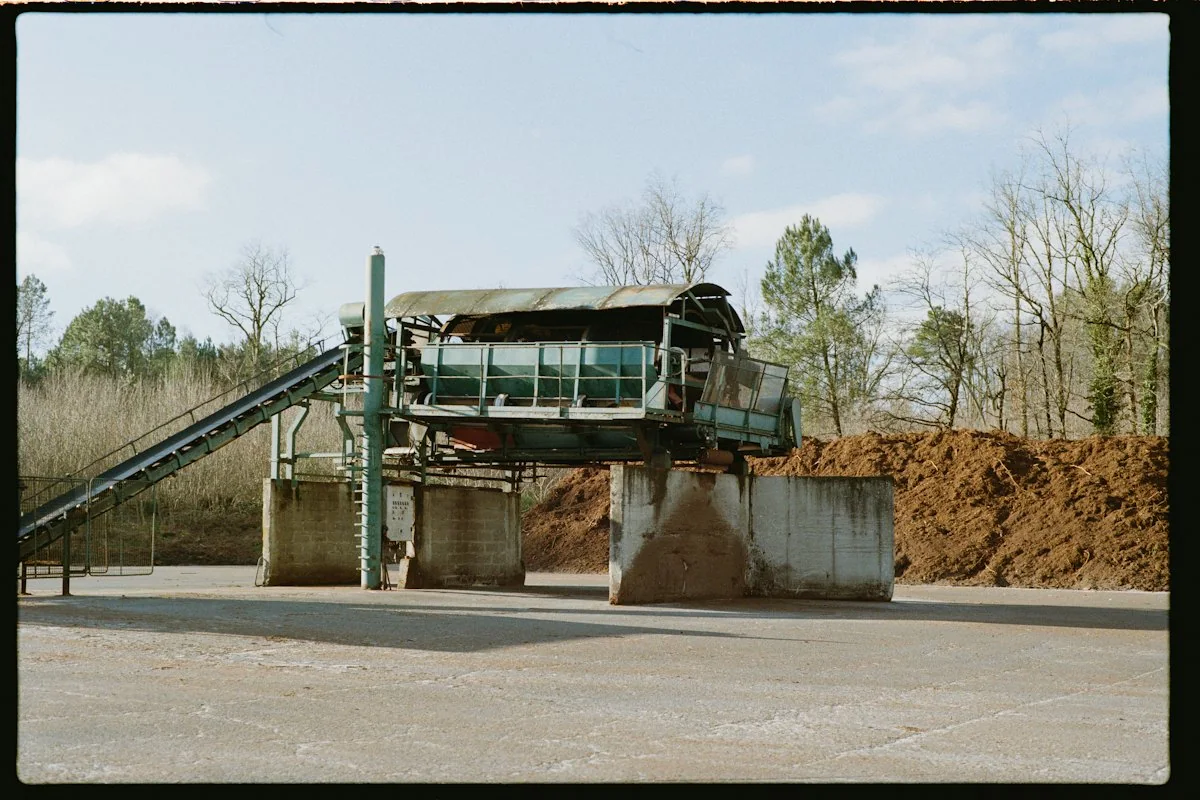
If your feed varies by season or between suppliers, include examples of each version rather than a single representative photo.
Set the Discharge Requirement
State whether you need volume reduction, material suitable for a crusher or a defined final output. Review a further reduction stage where the shredder discharge does not meet the next process requirement.
Be specific about the result you need from the first stage. A clear discharge target helps decide whether the shredder works alone or with a following crusher, and keeps the comparison focused on your next process.
Temporary photo Volume Reduction
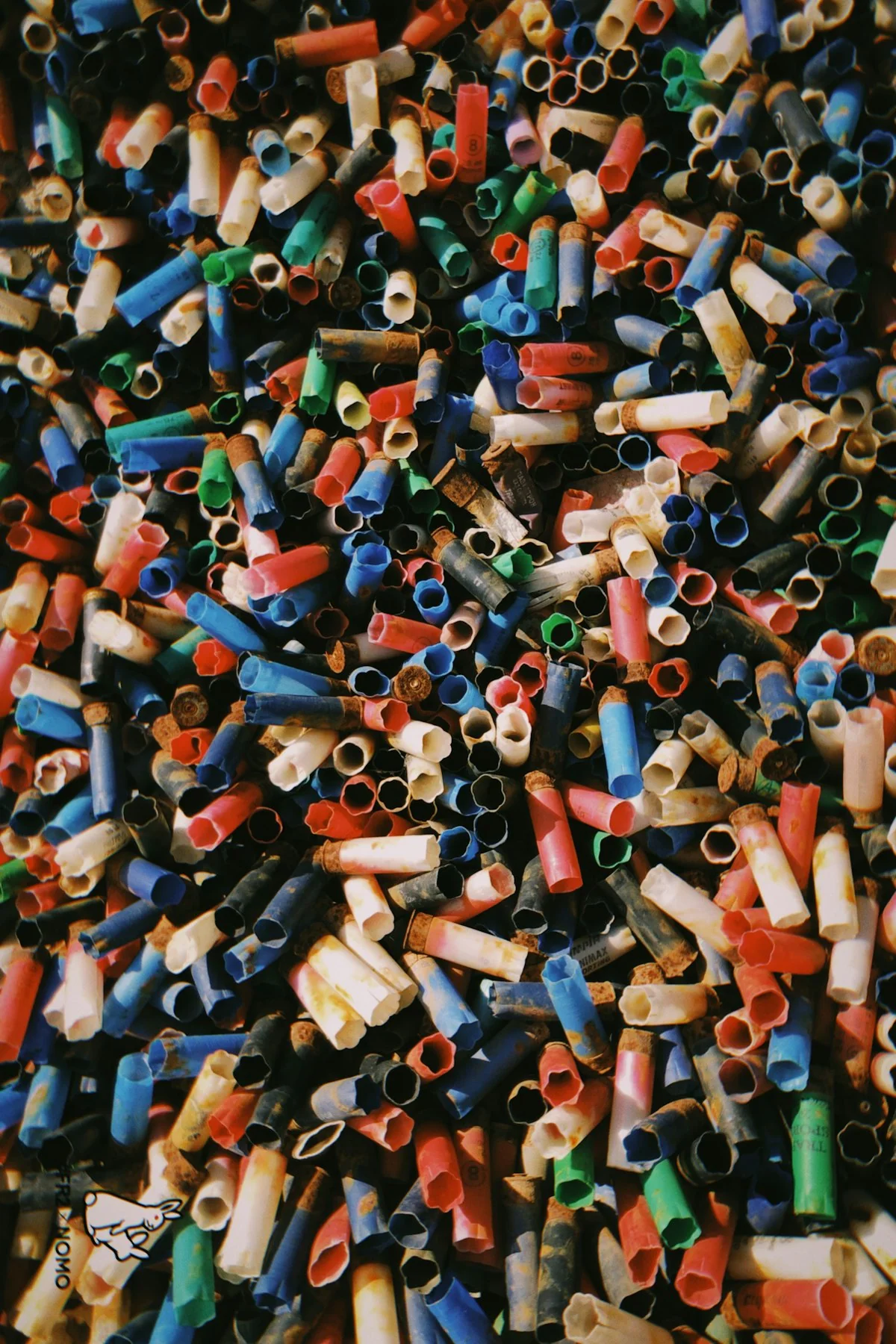
Choose this when the goal is easier handling, storage or transport. Describe how the shredded material will be collected and moved.
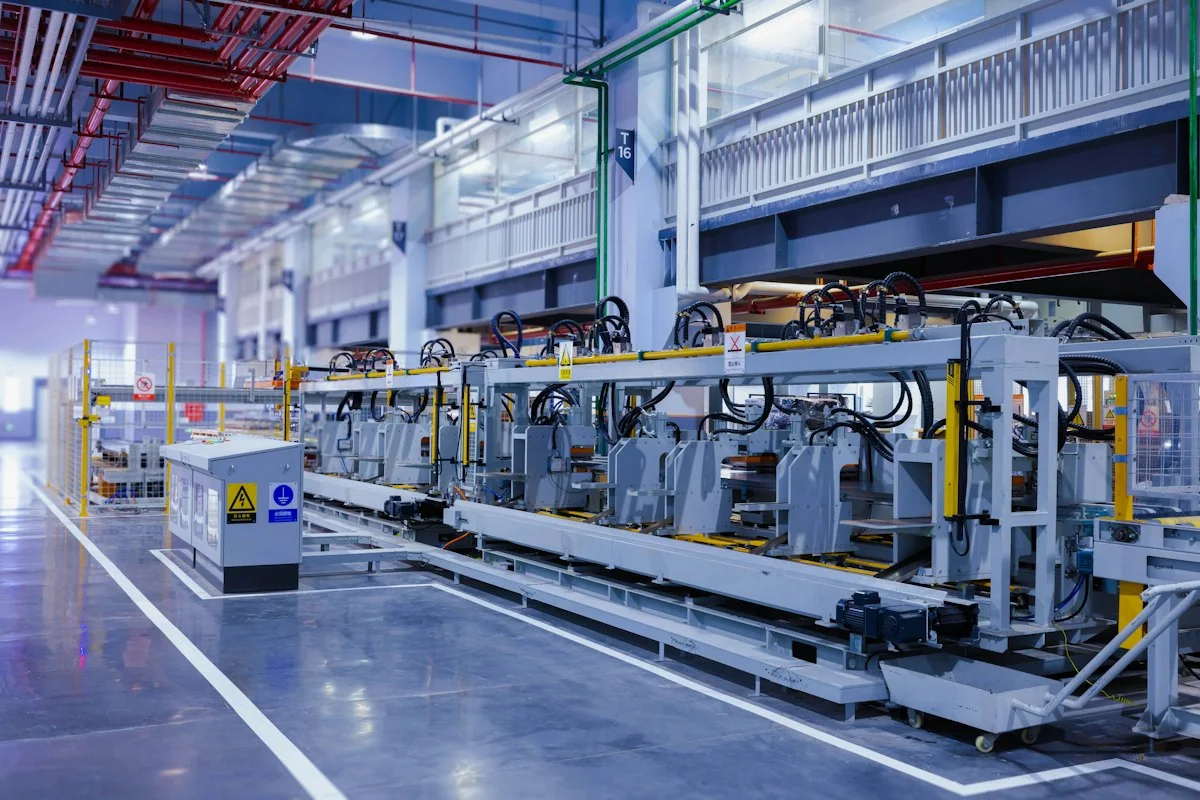
Temporary photo Crusher Feed
Choose this when a crusher follows the shredder. Share the receiving crusher's feed requirement so the discharge can be reviewed against it.
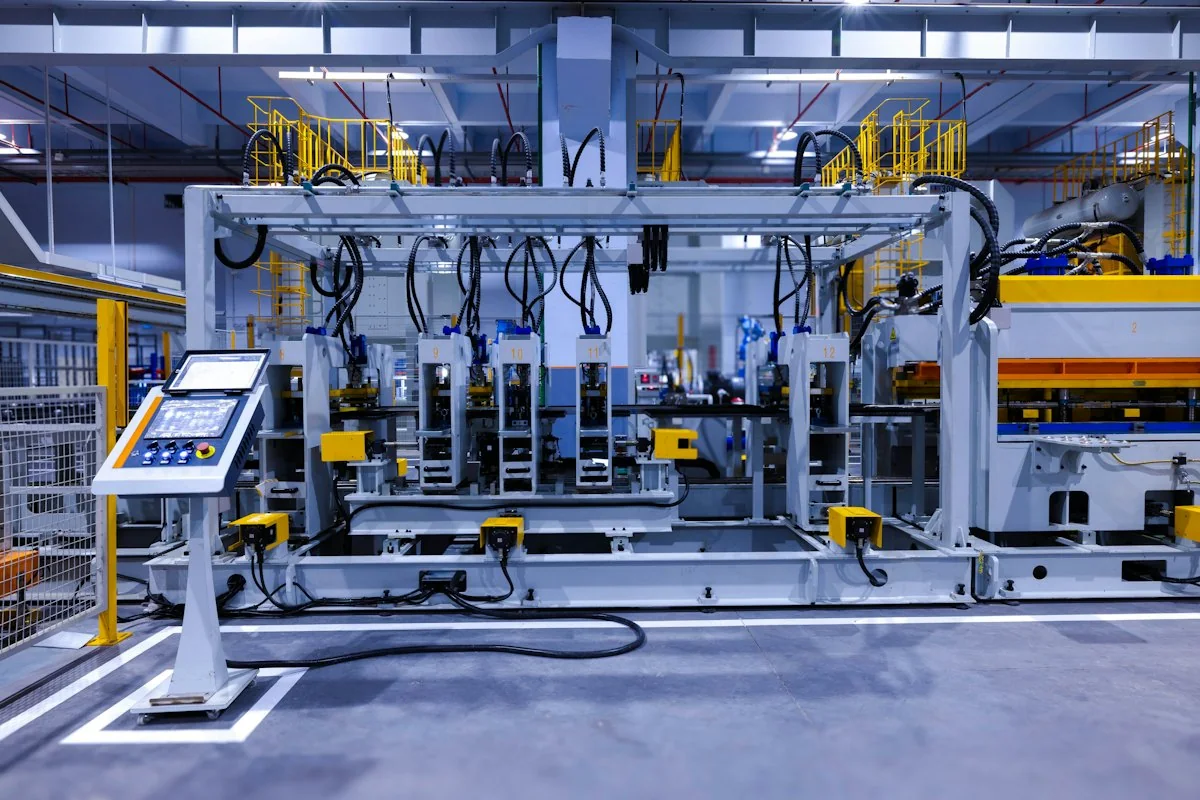
Temporary photo Defined Final Output
Choose this when you need a specific size or consistency. Ask for the test basis on your material, and review real discharge photos rather than assuming uniform pieces.
Compare Available Models
Review the feed opening, drive, cutting arrangement and stated operating conditions for each series. Add your required working schedule when asking for a recommendation.
Use these columns to compare models on the same terms. Where a field is not shown on a card, ask for the confirmed value and the conditions behind it.
Shaft Type
Note whether the model is single-shaft or double-shaft, then check its feeding and cutting arrangement. Shaft type indicates the design family, not suitability for your feed.
Feed Requirement
Compare the stated feed requirement with your largest pieces and bulk condition. Ask how loose, bundled or baled material affects the proposed feeding.
Power
Review drive power together with your material and working schedule. Confirm the electrical requirement and starting conditions against your site supply.
Discharge Basis
Check what the stated discharge refers to, such as a fitted screen, a tested material or a nominal description. Compare models only where the basis is similar.
Discuss My Configuration
Send material photos and your required discharge to compare shredders on a like-for-like basis.
Plan the Next Stage
A shredder may be one stage in a connected process. Compare the requirements of the following crusher, transfer equipment or collection system before fixing the line layout.
Planning the line in order helps avoid a shredder whose discharge does not suit the next machine. Review each connection before fixing the layout, and confirm which parts of the line are within the proposed supply scope.
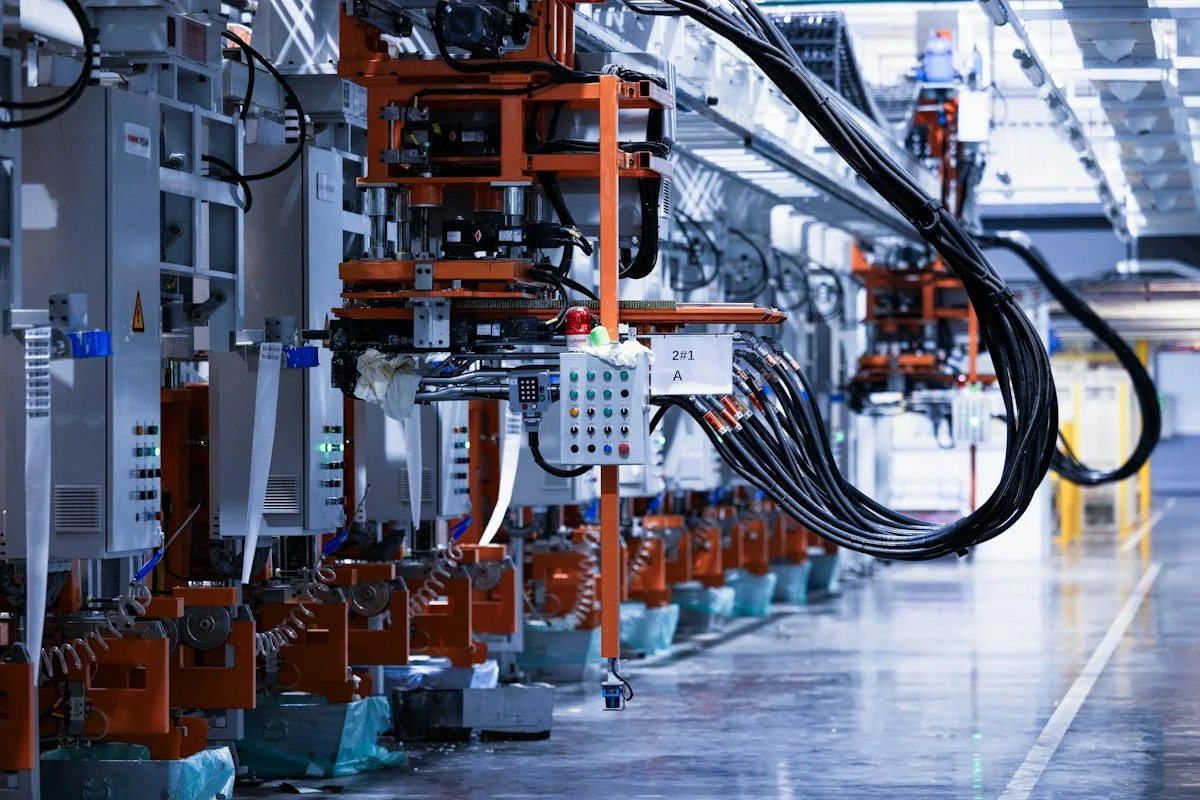
Temporary photo 01Confirm the Shredder Discharge
Agree what the shredder is expected to deliver for your material, and on what basis.
Temporary photo 02Check the Receiving Machine
Compare that discharge with the feed requirement of the crusher or collection system that follows.
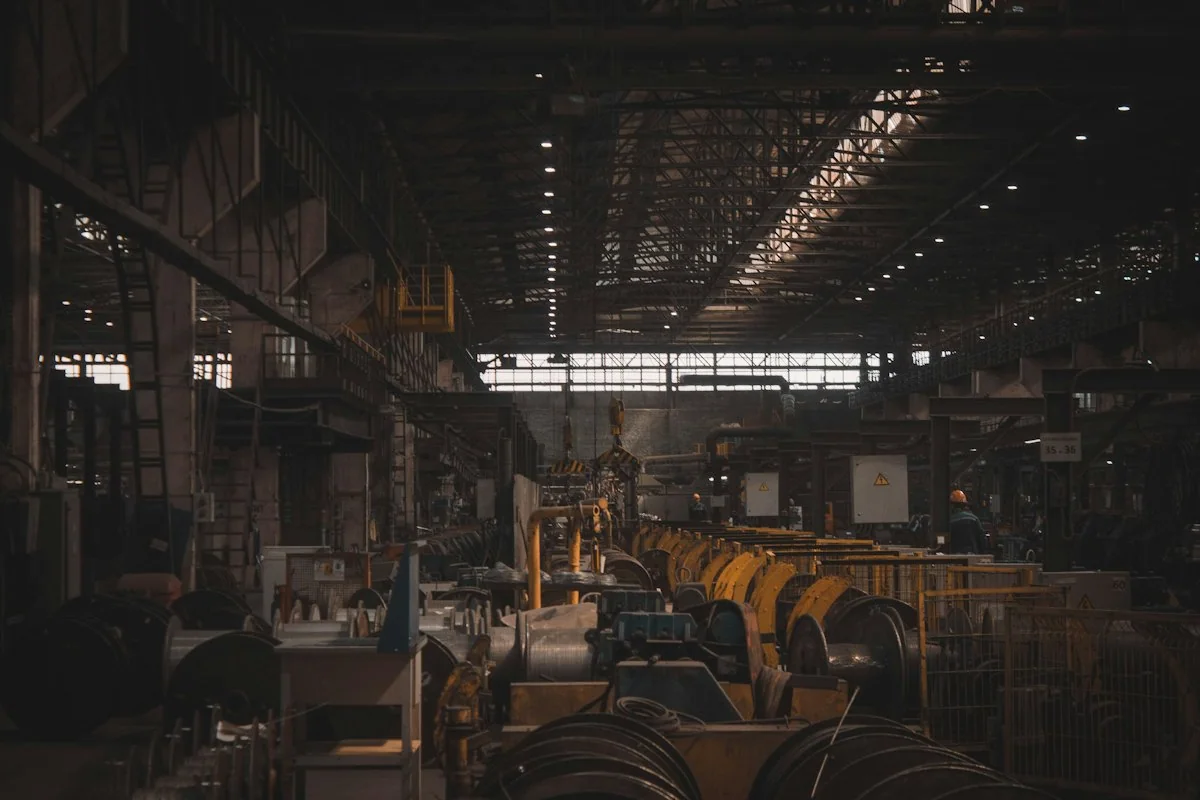
Temporary photo 03Plan the Transfer
Decide how material moves between stages, by conveyor, chute or manual handling, and where buffer storage is needed.
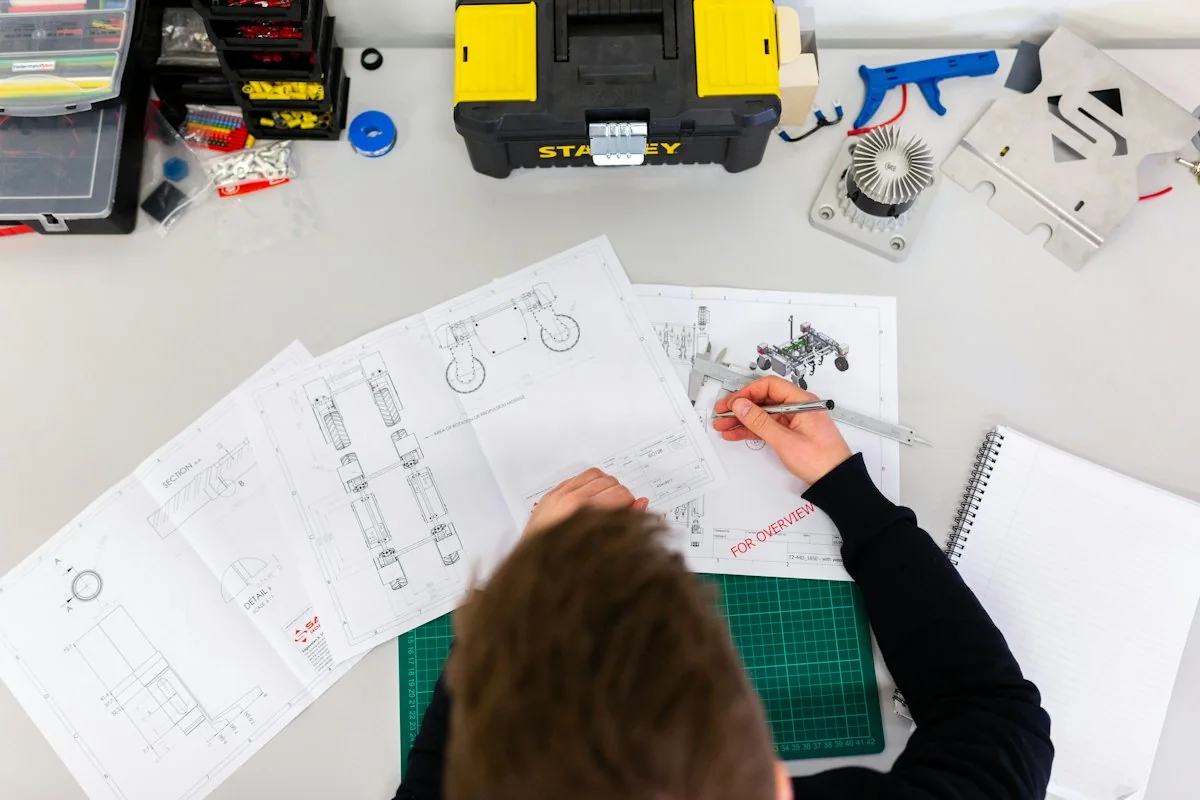
Temporary photo 04Fix the Line Layout
Review the full layout with access for loading, maintenance and collection before confirming equipment positions.
Configure the First Stage
Discuss the hopper, feeding arrangement, cutting tools, drive and discharge connection for the selected shredder. Include the next machine or handling stage so the proposed first-stage output has a clear purpose.
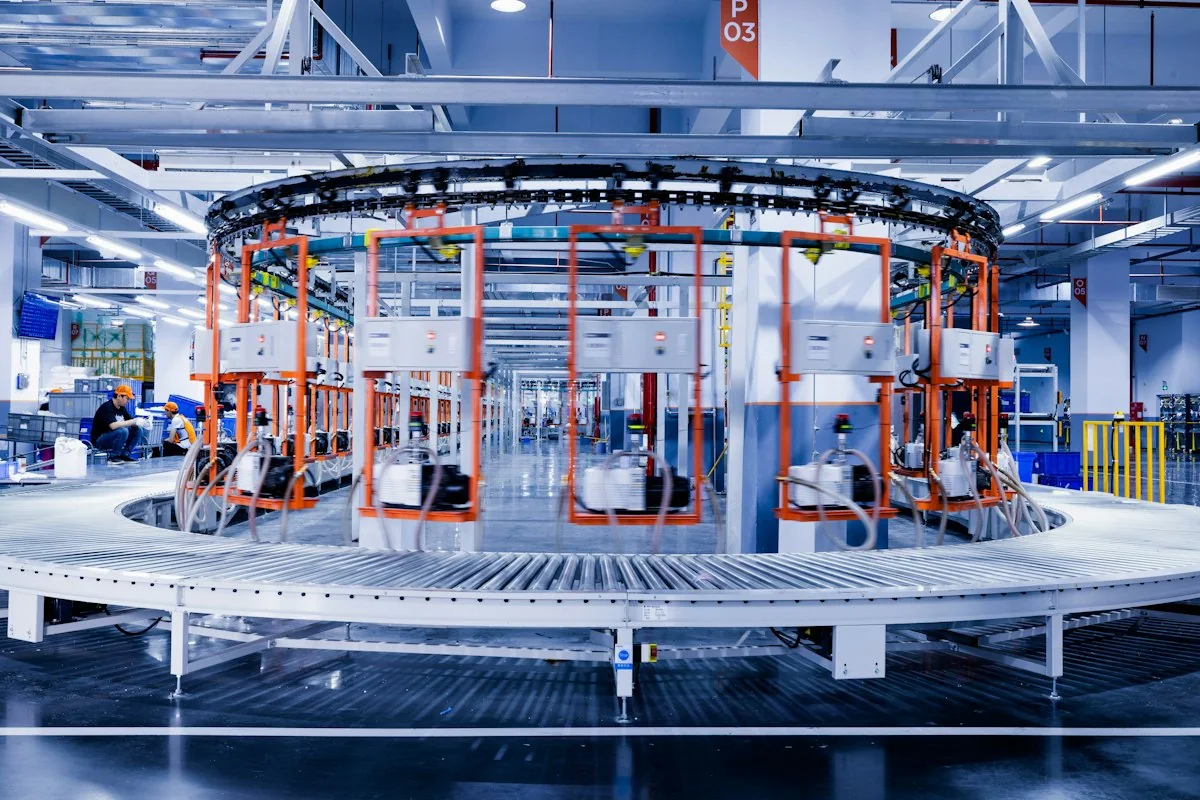
Temporary photo Feed & Hopper
Discuss the hopper size and shape for your bulk condition and loading method. Ask which feeding aids can be considered and whether each is included or optional.
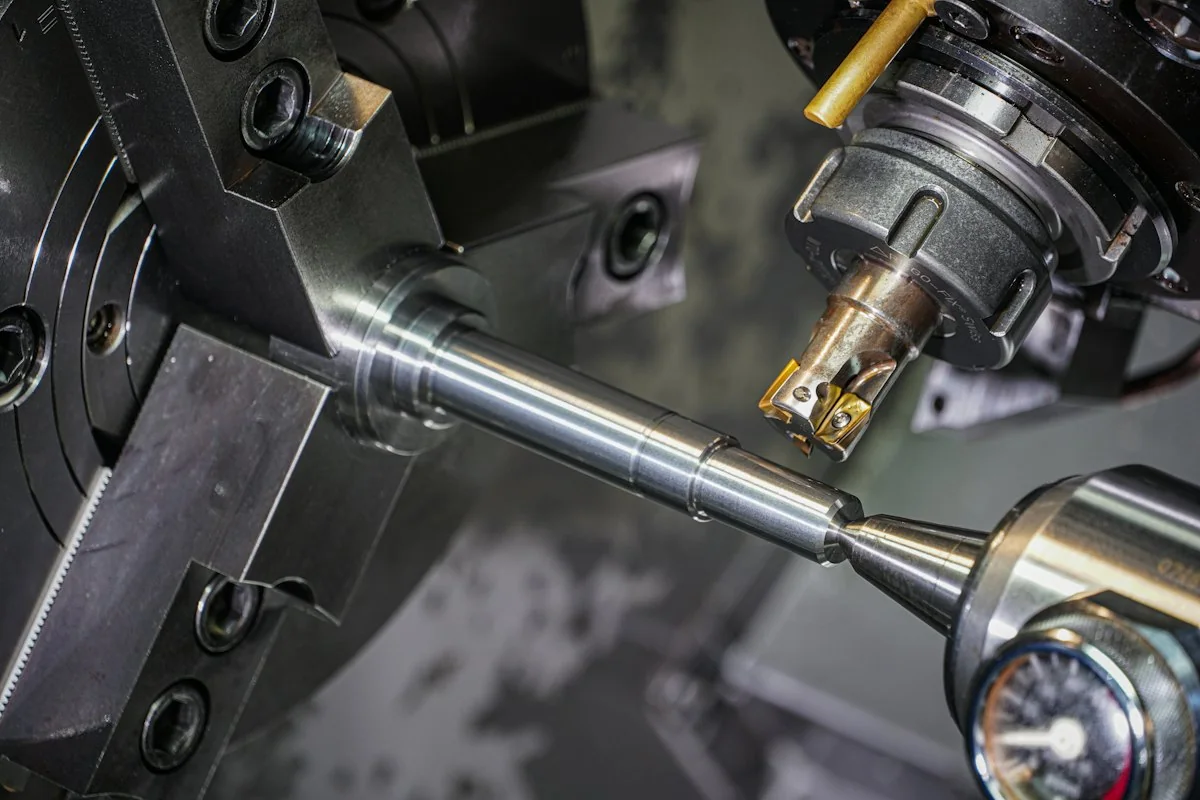
Temporary photo Cutting Tools
Review the cutter or blade arrangement against your material and discharge target. Agree the part references for future replacements at the configuration stage.
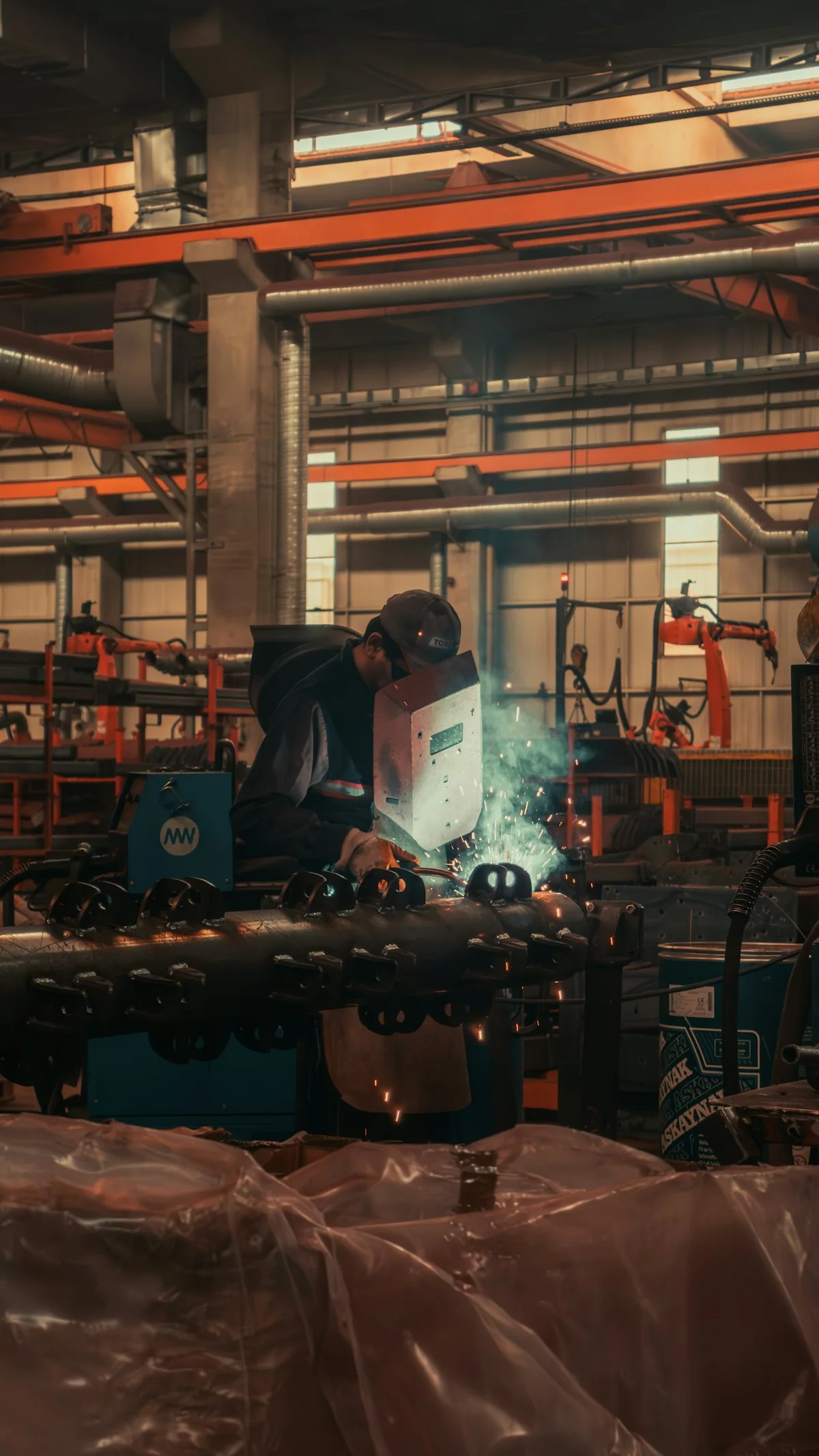
Temporary photo Next-Stage Connection
Describe the machine or handling step that follows the shredder. The discharge outlet and transfer connection can then be discussed for that interface.
See the Cutting Assembly
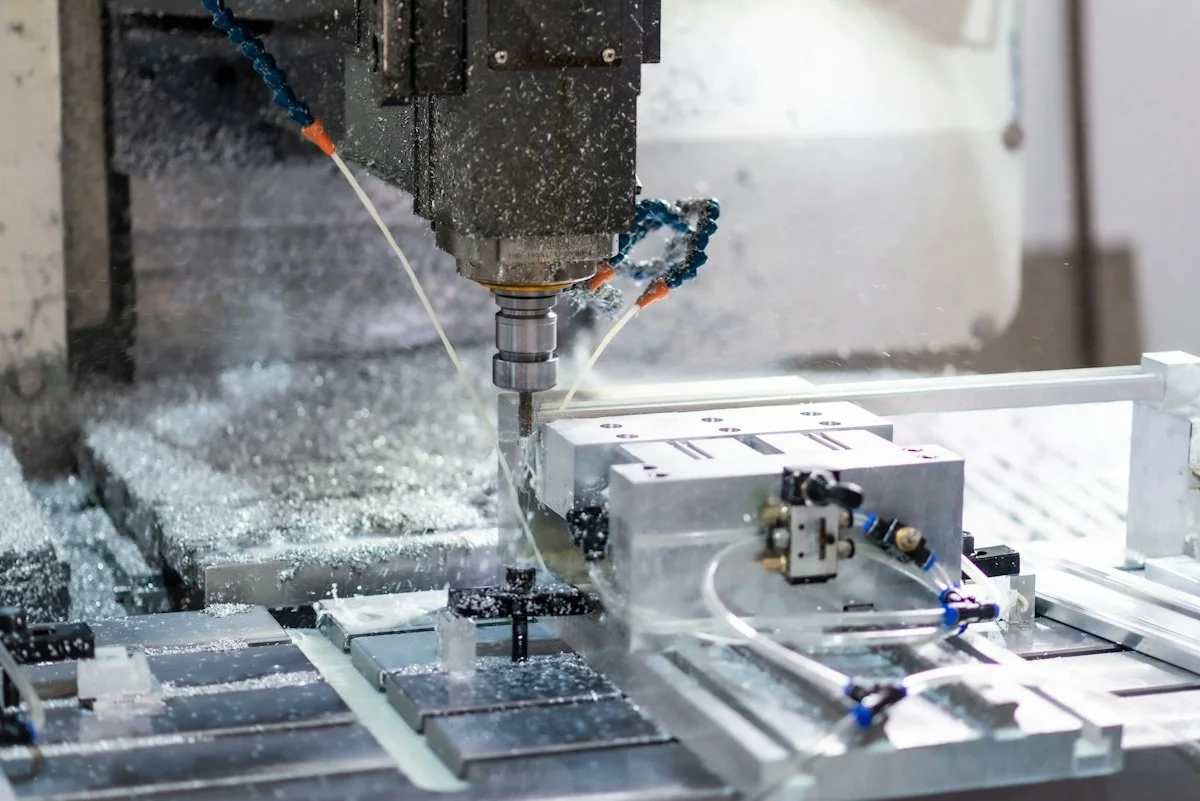
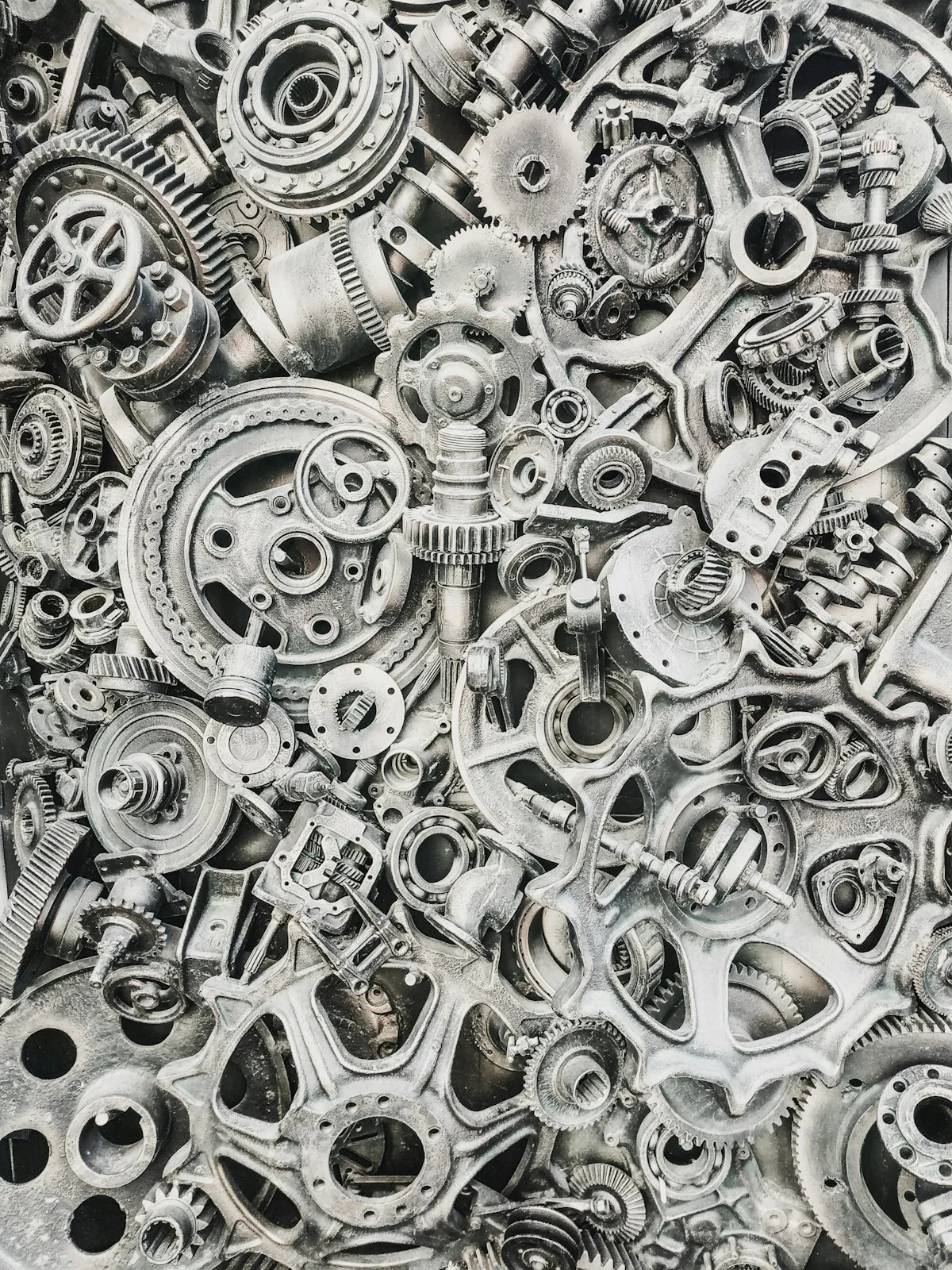
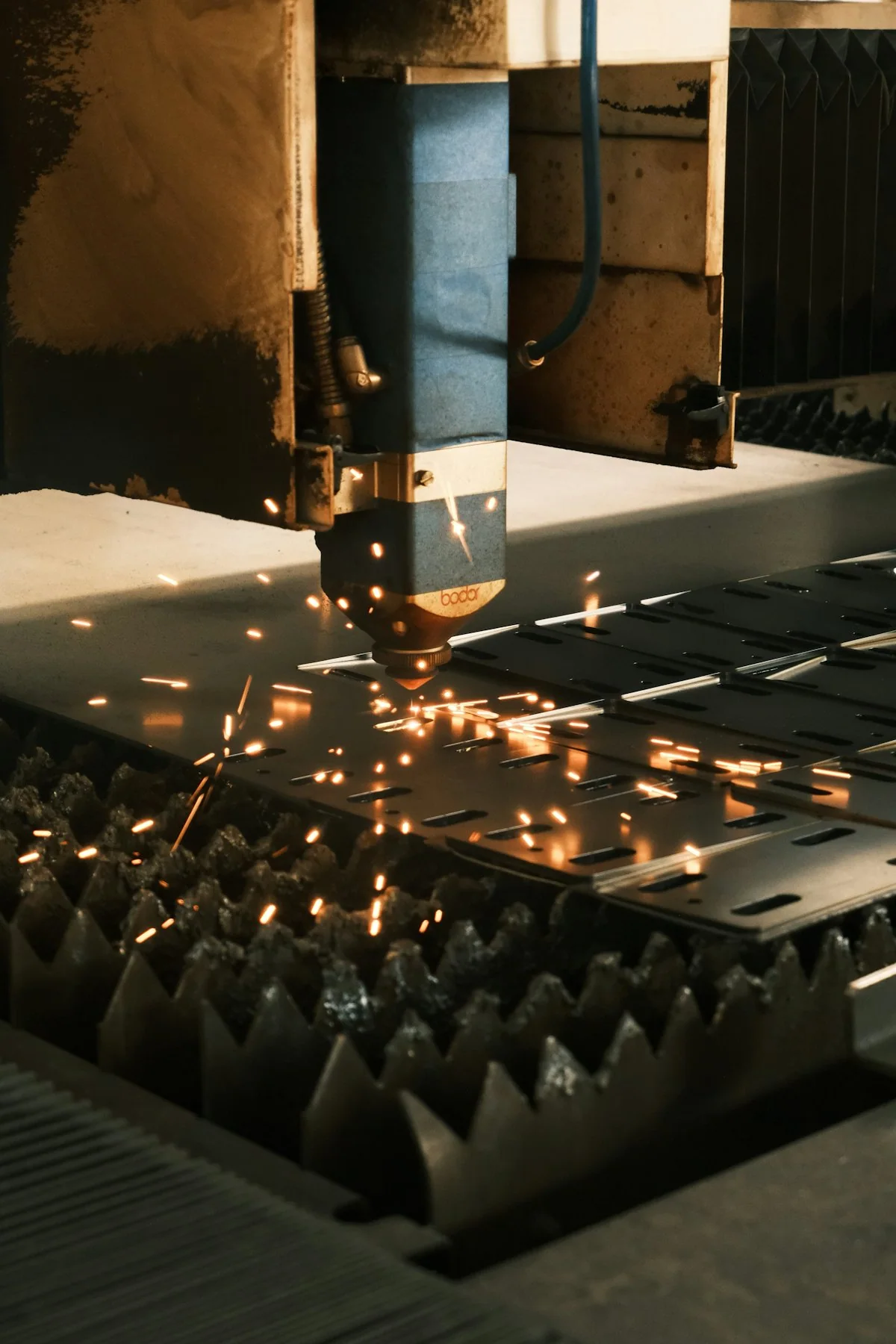
Review actual images of the rotor or shafts, installed cutters and assembly work. Identify the replacement parts and the access required for servicing the selected model.
Real assembly images show how the cutting system is built and serviced. Ask for photos from the same series you are considering, including views of the access points used for maintenance.
Rotor or Shaft Detail
Check how cutters are mounted on the rotor or shafts of the selected model.
Replaceable Components
Ask which cutters and other parts are replaceable and how each is referenced.
Service Access
Review how the cutting chamber is reached for inspection and part replacement.
Discuss My Configuration
Send your material photos and next-stage details to discuss the first-stage configuration.
FAQ
Is a double-shaft shredder always the better choice?
No. The decision depends on the feed, required discharge and available configuration. Compare the proposed models for your process rather than choosing by shaft count alone.
Can the shredder replace a crusher?
Only where its documented output meets your next process requirement. A second reduction stage may still be needed.
Does every model use a discharge screen?
No universal screen arrangement should be assumed. Check the actual design and discharge specification of the selected model.
What should I send for an initial review?
Send material photos, maximum feed dimensions, required output, hourly target and the equipment that will receive the discharge.
Can this be customized for my process?
Yes. Describe the configuration or specification you need, together with the material or machine reference. Feasible options, drawings where required, and the final supply scope are confirmed before production.
Find the Right Equipment
Tell us what goes in, what you need out and any site requirements. Include the details you already know; you do not need a model number to start.
Include the details you already know. You do not need every specification to start.
What to Include
Use the details you already know. A model number is not required to begin.
1. YOUR MATERIAL
Material name and condition; largest starting dimensions; a photograph when available.
Describe thickness, mixed shapes or other details that affect feeding.
2. YOUR OUTPUT
Required powder, smaller pieces or regrind; the next process; the output specification and its measurement basis when known.
State the desired hourly throughput as a target, not a confirmed machine result.
3. YOUR SITE
Country/region; known power supply; available floor space and height; existing equipment; relevant cooling or nitrogen arrangements.
4. YOUR CONFIGURATION
Standalone machine, replacement machine or connected line.
Describe requested changes to feeding, discharge, cooling, controls, layout or connections.
7. WHAT TO AGREE IN THE PROPOSAL
Selected equipment; standard items; options; items supplied by others; relevant test/acceptance basis; documents; support and delivery responsibilities.
Please do not send unnecessary personal documents, passwords or unrelated confidential files.